Create better social media reports in minutes
HeyOrca’s social media reporting tool helps teams and agencies turn social analytics into client-ready reports, track performance across platforms, and make smarter content decisions.


.webp)


.png)

What is a social media report?
A social media report turns your performance data into actionable insights. It helps teams understand what content is working, track audience growth, measure engagement, and share results with stakeholders.
With HeyOrca, you can create customizable social media reports across Instagram, Facebook, TikTok, and LinkedIn – all in one place.
Why teams and agencies choose HeyOrca for reporting
HeyOrca helps teams streamline the reporting process by bringing your social performance data into one easy-to-share place.



Polished and professional social
media reports in just a couple of clicks
You deserve in-depth social media analytics, not surface-level metrics. HeyOrca’s reporting tools deliver the advanced analytics that marketers need – in a visual report that’s easy for clients to read.
Instagram demographics


media reports
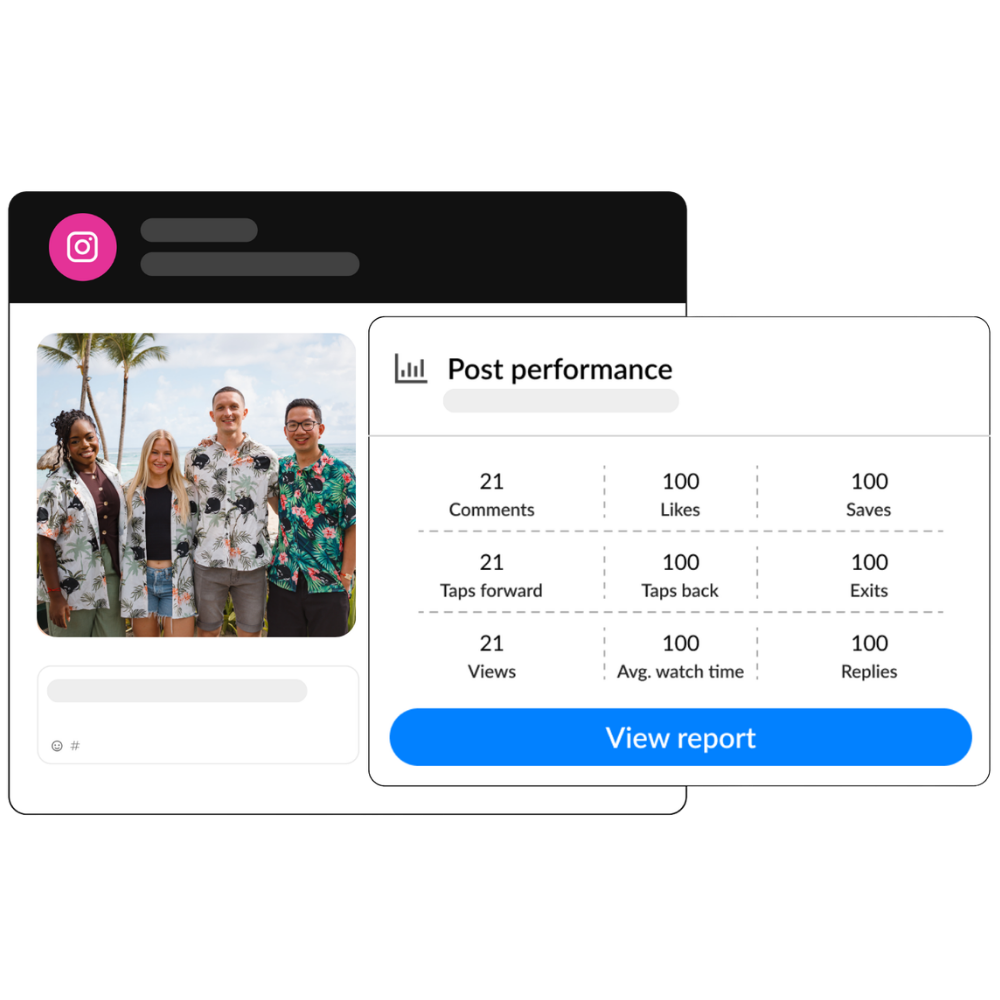
Build social reports with the dates, metrics, top posts, and platforms that matter most to you and your stakeholders.
Get granular by creating graphs with only your key metrics. Or go big by bringing all your social accounts into one cross-channel report.
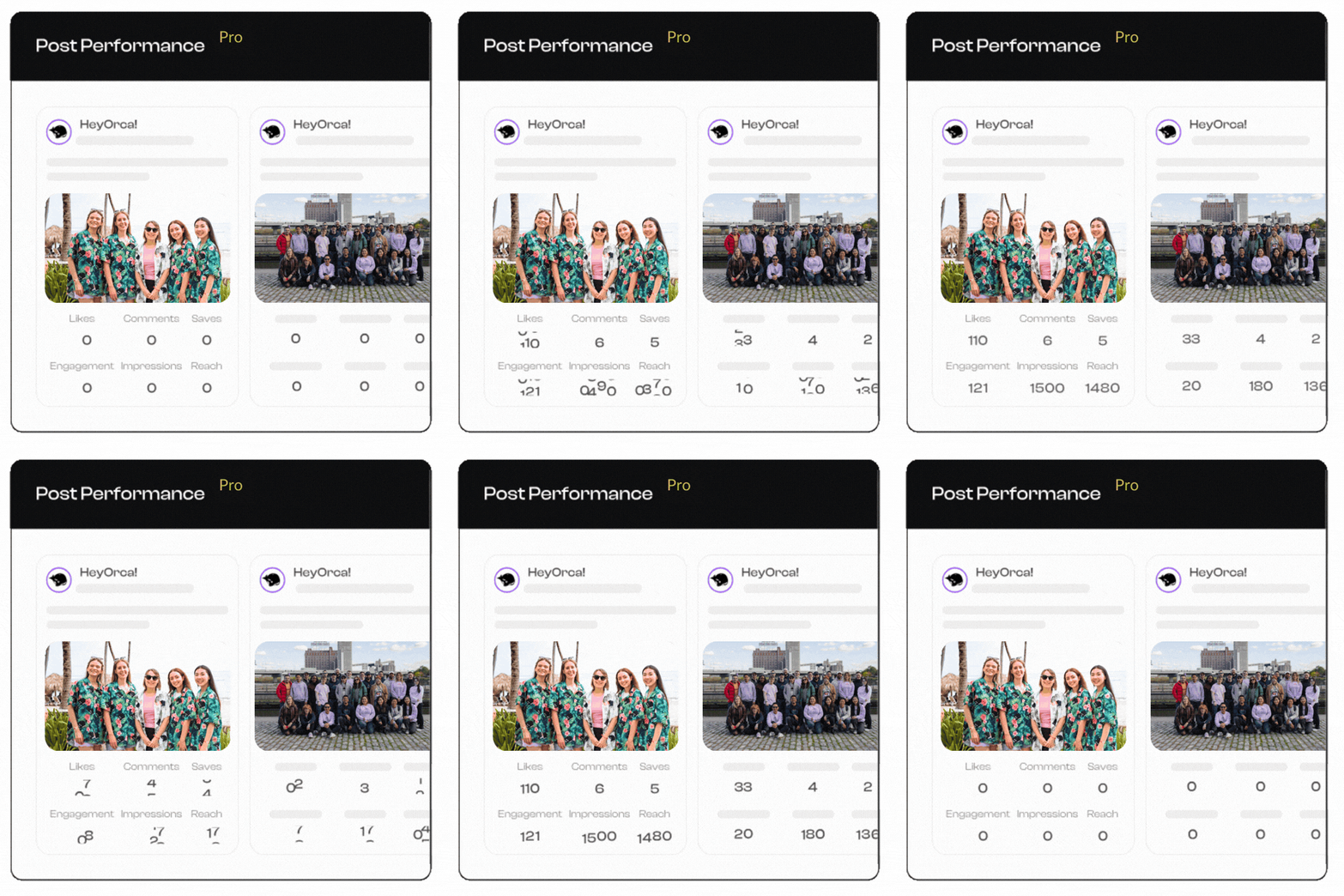
Basic and Pro users will see a complete snapshot of relevant performance metrics, like views, engagement, and saves.
Using a Free plan? You’ll see limited metrics to help inform your content strategy, too.
Our community's favourite
social media reporting features
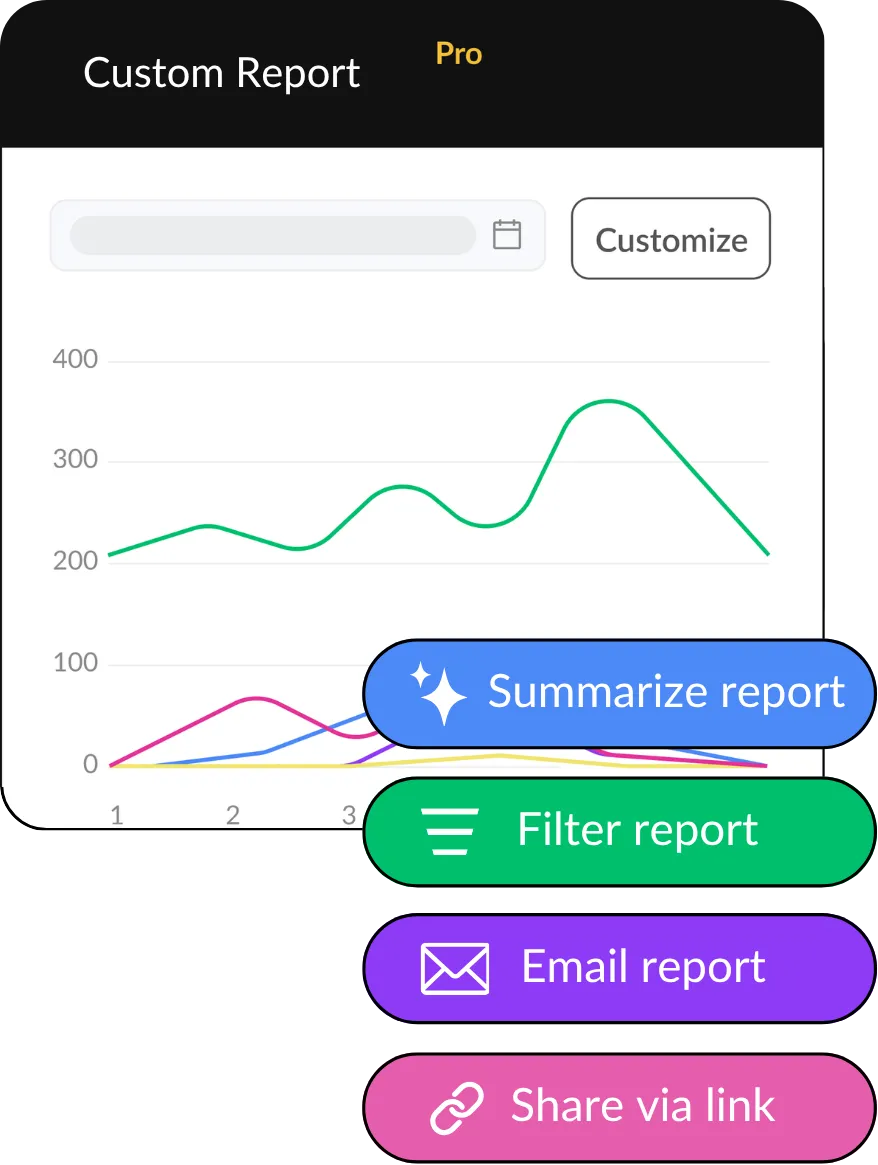
There’s a lot to love about HeyOrca’s social media reports and analytics. Speed up data analysis and automate sharing with these go-to tools.

Daria Benedict
Director of Social Media at Wondros
Your next report day could be a breeze
HeyOrca’s social media reports are included on Pro plans
and available as an add-on for Basic plans.
Frequently asked questions
What social media platforms does HeyOrca Reports support?
HeyOrca Reports supports Instagram, Facebook, LinkedIn (Company and Personal), and TikTok. Demographics reports are supported for Instagram.
What should be included in a social media report?
A social media report should include key metrics like engagement, reach, impressions, follower growth, and top-performing posts, along with insights that explain performance.
What is the best social media reporting tool?
The best social media reporting tool pulls all your social data into one place and turns it into clear, client-ready reports. Tools like HeyOrca help teams track performance across multiple platforms without manual work.
How many custom reports can I make for my clients?
In HeyOrca you can make 10 custom reports per workspace.
Can social media reports be automated?
Yes. Social media reports can be automated using tools that pull platform data and generate scheduled reports, saving time and reducing manual work.
Can I use HeyOrca Reports if I manage multiple clients?
Yes, HeyOrca Reports is perfect for social media agencies and teams that manage multiple clients. With HeyOrca, each of your clients will get their own reporting and analytics dashboard, so you can keep your clients’ data (and social media content) separate.
HeyOrca's reporting tools are included on Pro plans. Want to add reporting to your Basic plan? You can do that by selecting the Social Reports add-on.