The easiest way
to manage your Google Business Profile
Google Business Profile is your brand’s digital storefront. Get the tools you need to make it count. HeyOrca makes it easy to get content approvals, post consistently, and collaborate with your entire team.
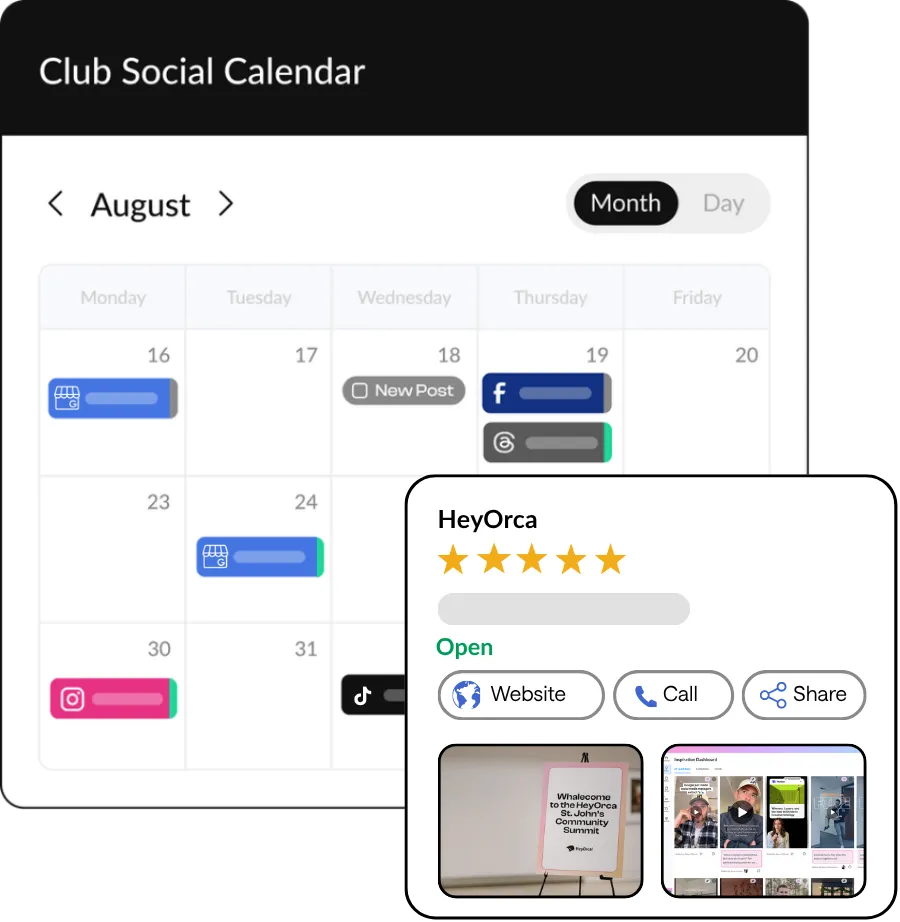
Add your team and clients
at no extra cost
A Google Business Profile scheduler with free unlimited users?
That’s right – HeyOrca Basic and Pro come with unlimited users
so you can bring all of your stakeholders in on your strategy.
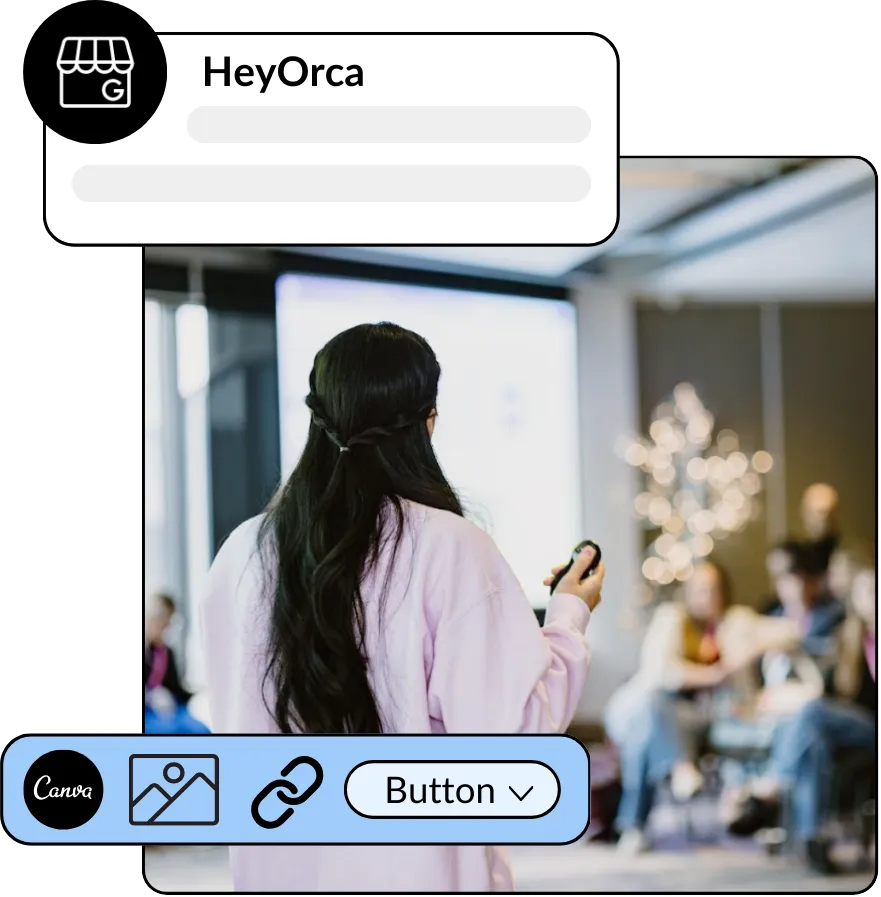
Schedule and automatically publish Google Business Profile posts
Get the tools you need to build a stand-out Google Business Profile
Take your posts from scheduled to approved to published

Frequently asked questions
Does HeyOrca integrate with Google Business Profile?
Yes, HeyOrca supports Google Business Profile in addition to Instagram, Facebook, LinkedIn, YouTube and YouTube Shorts, Threads, TikTok, and Pinterest.
Does HeyOrca’s Google Business Profile scheduler have an approval process?
Yes! When you use HeyOrca Basic or Pro to manage your Google Business Profile, you can have your stakeholders – including clients and team members – approve your posts before they’re published.
Why should I use a Google Business Profile scheduler like HeyOrca?
Using a Google Business Profile scheduler like HeyOrca helps you and your team maintain a consistent posting schedule, plan your content in advance without daily manual work, and get content approved by the appropriate stakeholders before its published. HeyOrca also makes it easy to manage your Google Business Profile alongside your other social media accounts, including Instagram, LinkedIn, Pinterest, Facebook, and more.
Does HeyOrca’s Google Business Profile scheduler let me add buttons to my posts?
Yes, when you schedule a Google Business Profile post in HeyOrca, you can add an optional call-to-action button to your post. Choose from the following button labels: Book, Order online, Buy, Learn more, Sign up, Call now.
Can I manage multiple Google Business Profile accounts in HeyOrca?
Yes, you can manage multiple Google Business Profile accounts in HeyOrca. You can connect up to 10 social media accounts to each HeyOrca workspace. That means you can connect up to 10 Google Business Profile accounts, or you can connect a combination of Google Business Profile and other social media accounts, including Instagram, LinkedIn, and Facebook. Please note, however, that Google’s API presents some publishing limitations for businesses that Google deems franchises or chains. For more details on posting to Google Business Profile, see our how-to guide.
How do I create and schedule a Google Business Profile post in HeyOrca?
To post an update to Google Business Profile via HeyOrca, first connect your Google Business Profile to HeyOrca. Then, drag and drop your media into your calendar. Alternatively, you can click the “Create post” button to get started. Add your post details, including caption and optional call-to-action button with destination URL. When you’re ready for your stakeholder(s) to approve your post, adjust the “Post stage” to Awaiting Approval. Don’t need approval? Choose Approved instead. HeyOrca will publish your approved posts at the time and date you set.
Can I draft, review, and approve Google Business Profile posts before publishing?
Yes, HeyOrca’s built-in content approval tool helps you draft, review, and approve your Google Business Profile posts before they’re published. In HeyOrca, you can manage your posts using five post stages: Draft, Awaiting Approval, Approve, Revise, and Publish Now. Choose to manage these stages for each post individually or in bulk.
Can I see Google Business Profile content alongside other social channels in my calendar?
Yes, your HeyOrca calendar wil give you a comprehensive view of your social media strategy by showing you your posts for Google Business Profile alongside your posts scheduled for other social media platforms, including LinkedIn, Instagram, Facebook, and more.
How do I connect my Google Business Profile account to HeyOrca?
To connect your account to HeyOrca, ensure your business’s location is verified in Google Business Profile. HeyOrca will not be able to automatically publish your posts to your account if your business’s location is unverified. Once you’ve verified your location, open HeyOrca and navigate to your Calendar Settings. Click Add Account. Select Google Business Profile and follow the on-screen instructions to grant HeyOrca access to publish your content.