The best Pinterest scheduler for social media marketers
Building a brand on Pinterest? Social media teams and agencies choose HeyOrca to get easy content approvals, maintain a consistent posting schedule, and collaborate with ease.
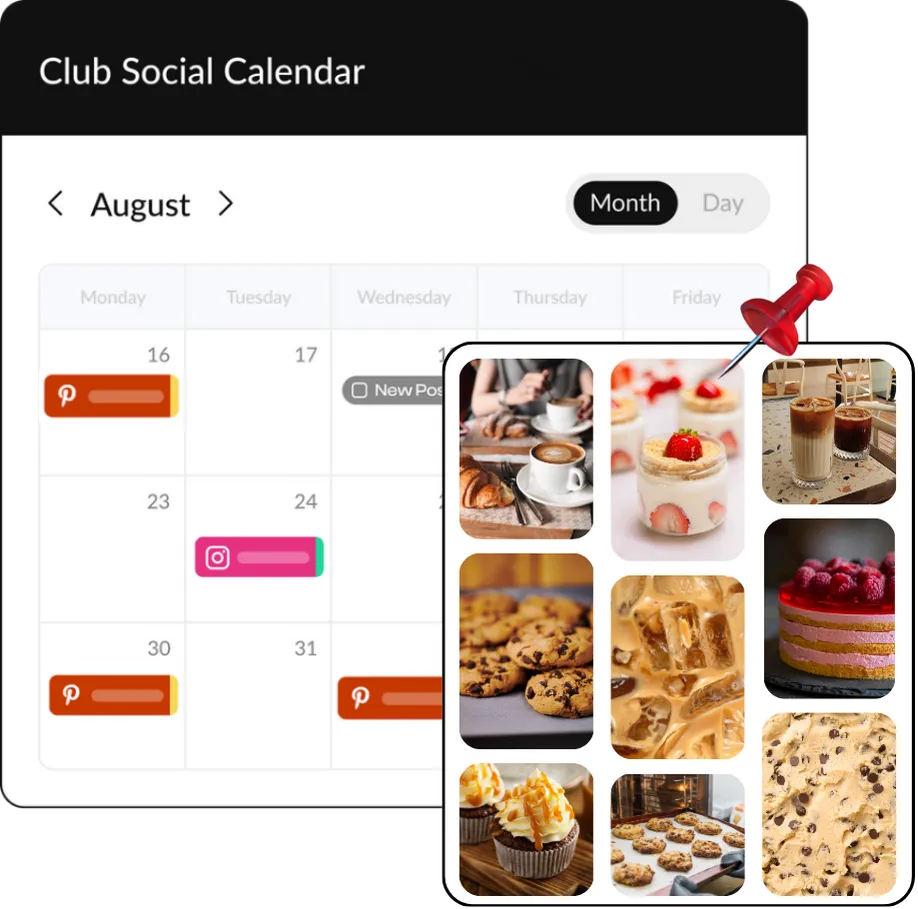
The Pinterest scheduler with free unlimited users
No pay-per-user pricing here! When you choose HeyOrca as your Pinterest scheduler, you can add all of your collaborators (and clients) to your Basic or Pro account at no extra cost.
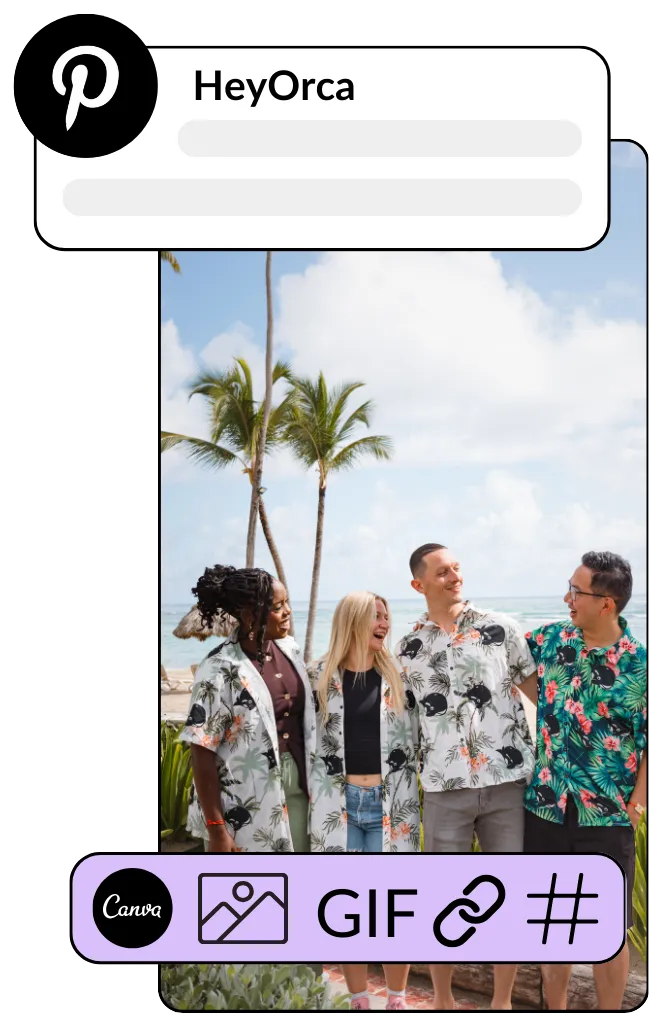
Schedule and automatically publish your Pins with HeyOrca
Get the tools you need to manage Pinterest as a team or agency
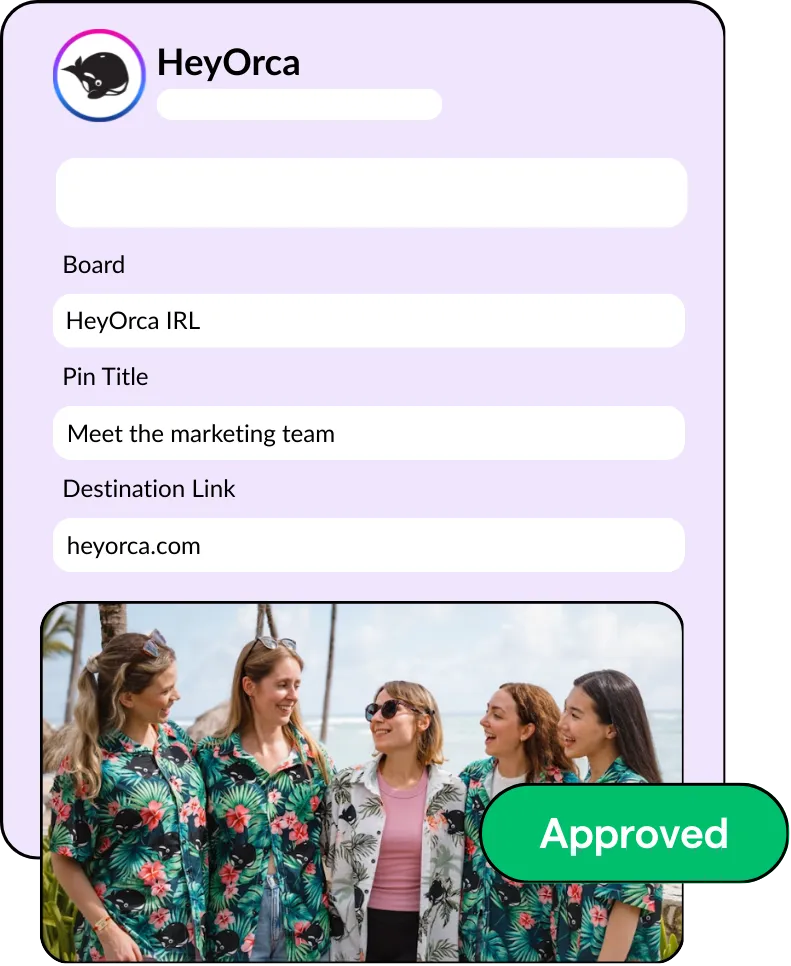
Make it easy for clients to approve your Pinterest content
Frequently asked questions
Does HeyOrca integrate with Pinterest?
Yes, HeyOrca supports Pinterest in addition to Instagram, Facebook, LinkedIn, X (Twitter), YouTube and YouTube Shorts, Threads, TikTok, and Google Business Profile.
Does HeyOrca’s Pinterest scheduler have an approval process?
Yes, HeyOrca Basic and Pro have a built-in approval system, which means you can have clients, team members, or other stakeholders approve your Pins before they’re published to your Boards.
Why should I use a Pinterest scheduler like HeyOrca?
Using a Pinterest scheduler like HeyOrca helps you stay consistent, plan content in advance, and keep everything organized without having to post manually. It saves time with batch scheduling and makes it easier for your team and clients to review and approve Pins all in one place. HeyOrca also helps you manage your Pinterest content alongside your content for other social media platforms, so you can get a comprehensive view of your social media strategy.
Does HeyOrca’s Pinterest scheduler let me pick which Board I publish my Pin to?
Yes, when you schedule your Pin in HeyOrca, you can select the Board to which your Pin is published.
Can I manage multiple Pinterest accounts in HeyOrca?
Yes, you can manage multiple Pinterest accounts in HeyOrca. Every HeyOrca workspace supports 10 social media accounts. You can connect 10 Pinterest accounts to a single workspace, or connect a mix of Pinterest and other social media channels, like Instagram, Facebook, TikTok, and LinkedIn.
How do I create and schedule a Pin in HeyOrca?
To upload and schedule Pinterest content in HeyOrca, first connect your Pinterest account to HeyOrca. Drag and drop your media into your HeyOrca calendar, or press the “Create post” button. Then add your Pin details, including caption, Pin title, and destination link. Use the drop-down to select the board to which you want your content pinned. When you’re happy with your Pin preview, adjust the “Post stage” to the appropriate stage: Awaiting Approval, Approved, or Publish Now.
Can I draft, review, and approve Pins before publishing?
Yes, you can draft, review, and approve your Pinterest content in HeyOrca before your Pins are published. HeyOrca categorizes Pins by five stages: Draft, Awaiting Approval, Approve, Revise, and Publish Now. You can manage the stages of each Pin individually or in bulk.
Can I see Pinterest content alongside other social channels in my calendar?
Yes, your HeyOrca content calendar will give you a birds-eye view of your scheduled Pinterest content alongside posts you have scheduled for other social media channels, like Instagram, Facebook, TikTok, and LinkedIn.
How do I connect my Pinterest account to HeyOrca?
To connect your Pinterest account to HeyOrca, first make sure you are logged into the correct Pinterest account in a separate browser. Then, navigate to your HeyOrca Calendar Settings and click Add Account. Select Pinterest and follow the on-screen instructions to grant HeyOrca access to publish your Pins.