Use trending Instagram and TikTok audio without leaving HeyOrca
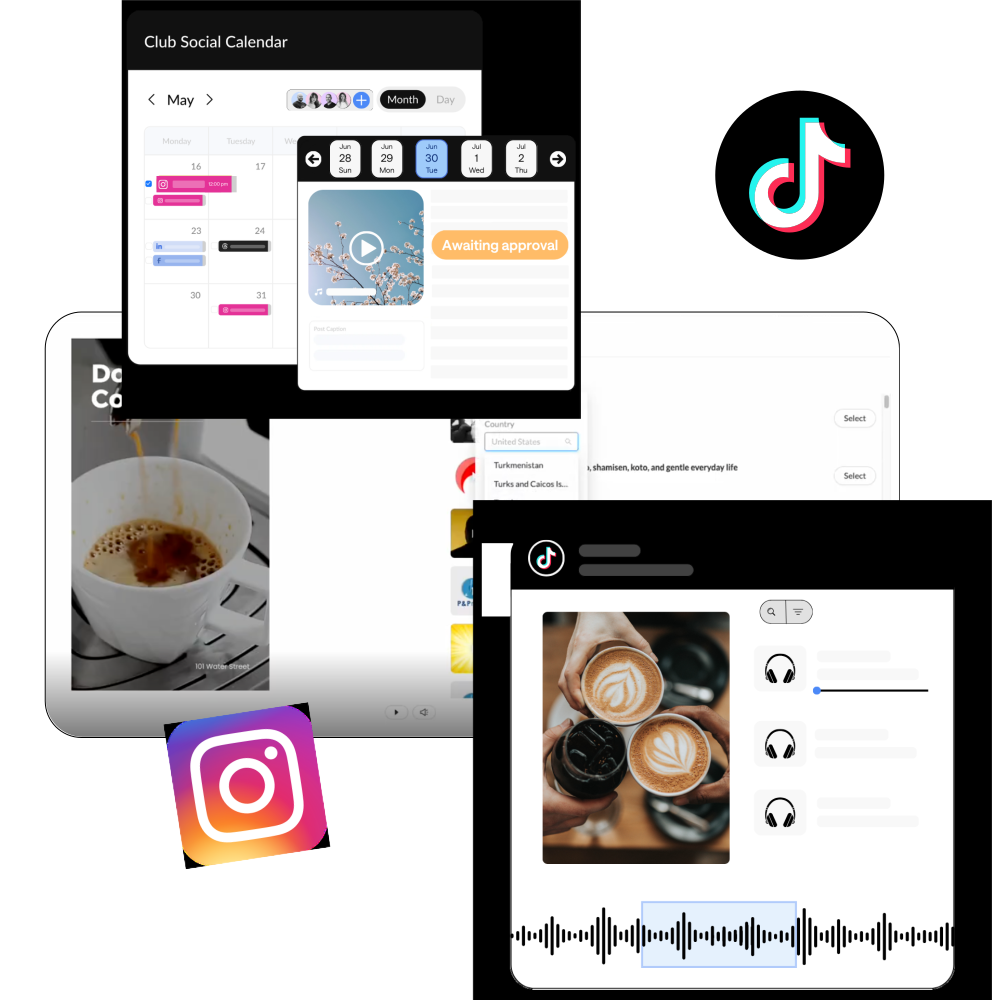
Plan, collaborate, and publish Instagram Reels and TikTok videos with available trending audio – all in HeyOrca.

.webp)


.avif)
What is a trending audio for Instagram and TikTok?
You've probably heard the same sound pop up on your feed more than once – that's trending audio.
Whether it's a popular song, a viral sound, or an original audio clip, using trending audio can help your Instagram Reels and TikTok videos join the conversations people are already engaging with.
Now, you can find and add trending audio right from HeyOrca, making it easier to create trend-worthy content without bouncing between apps.
How to use trending audio in HeyOrca
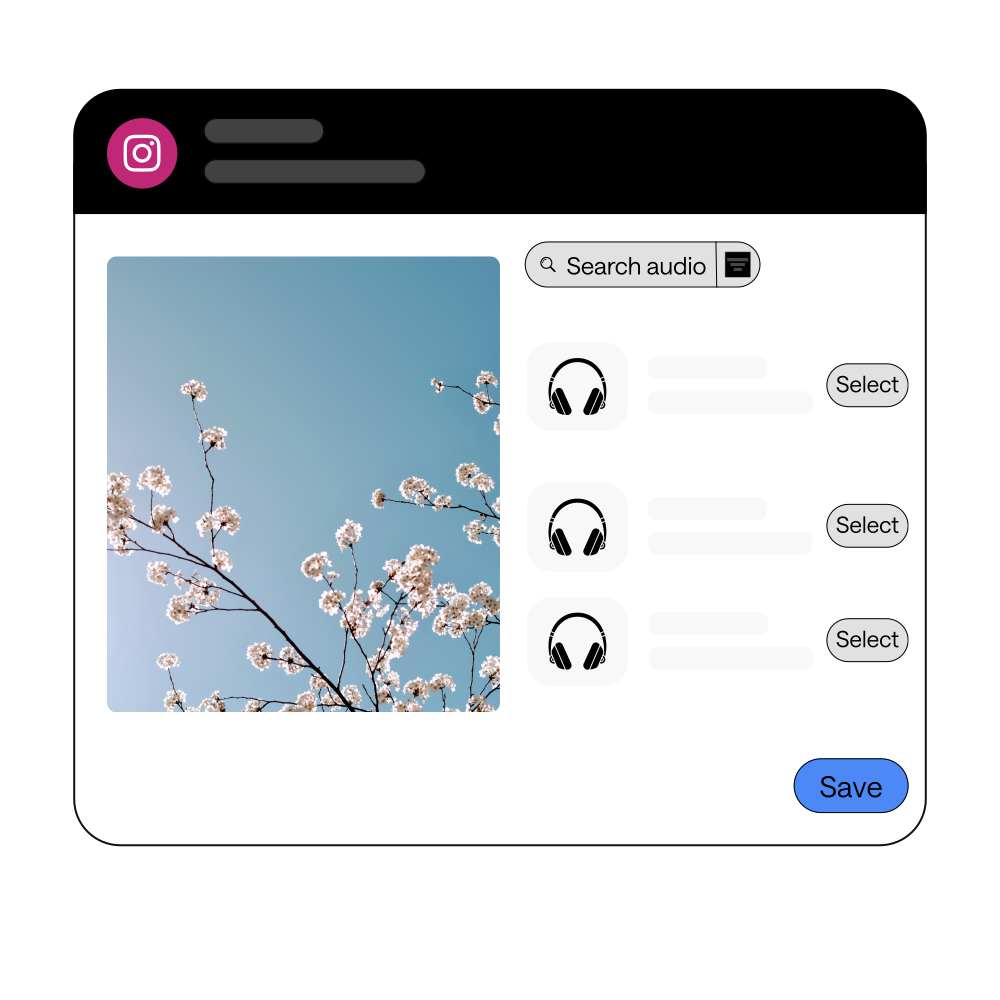
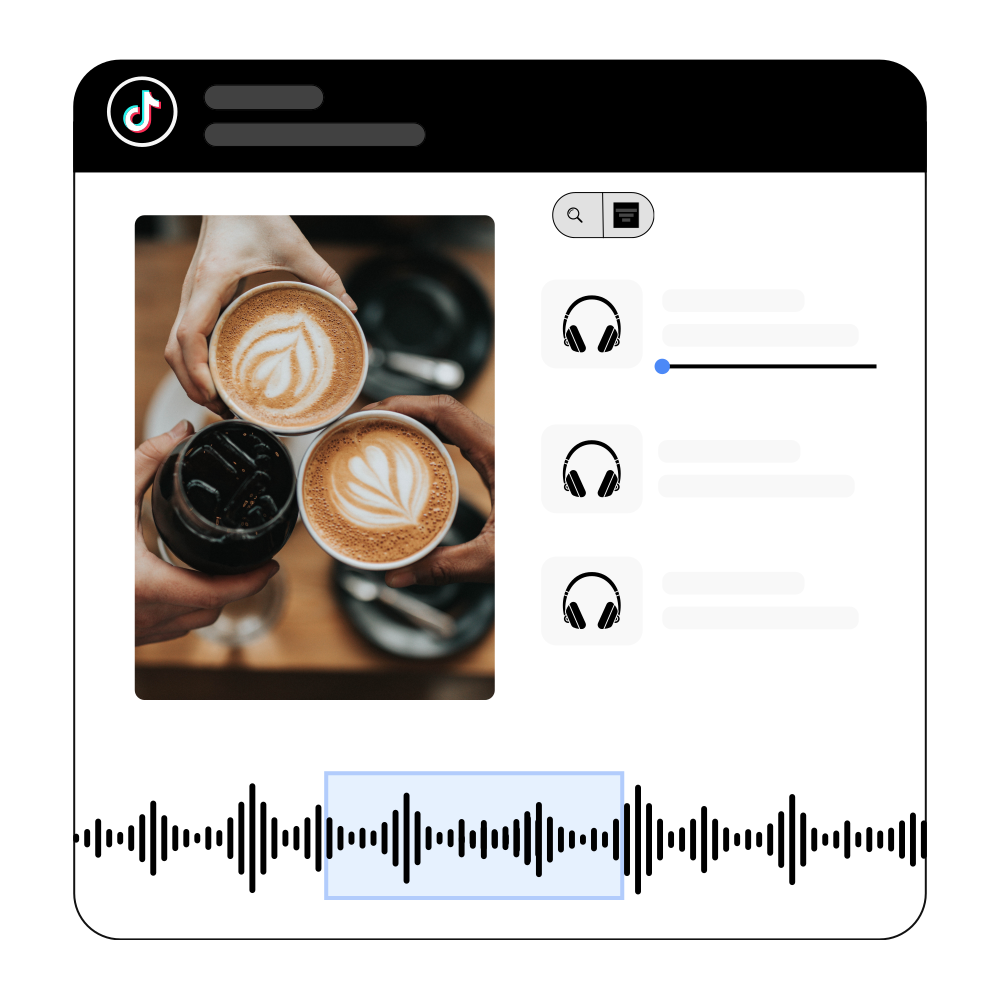
Adjust the balance between your video's original sound and your music.
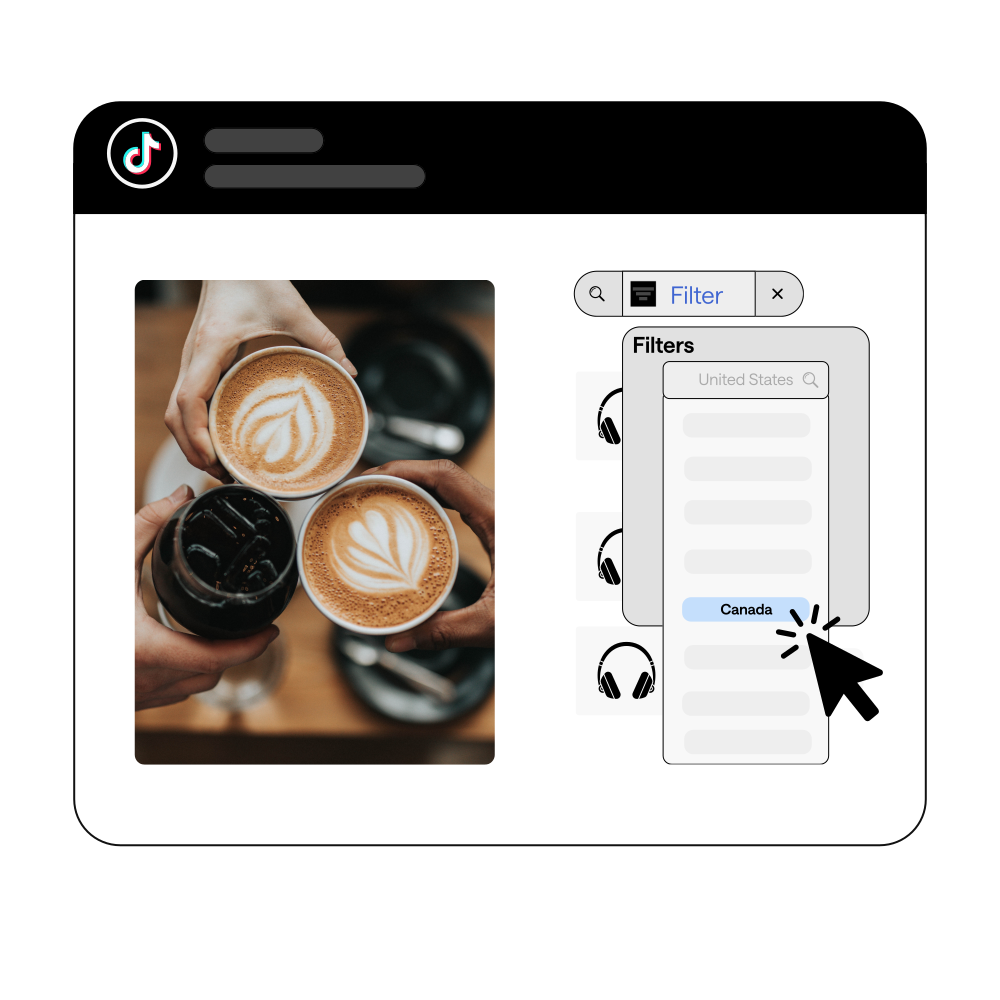
For TikTok, you can even choose exactly where the song starts and ends.
.avif)
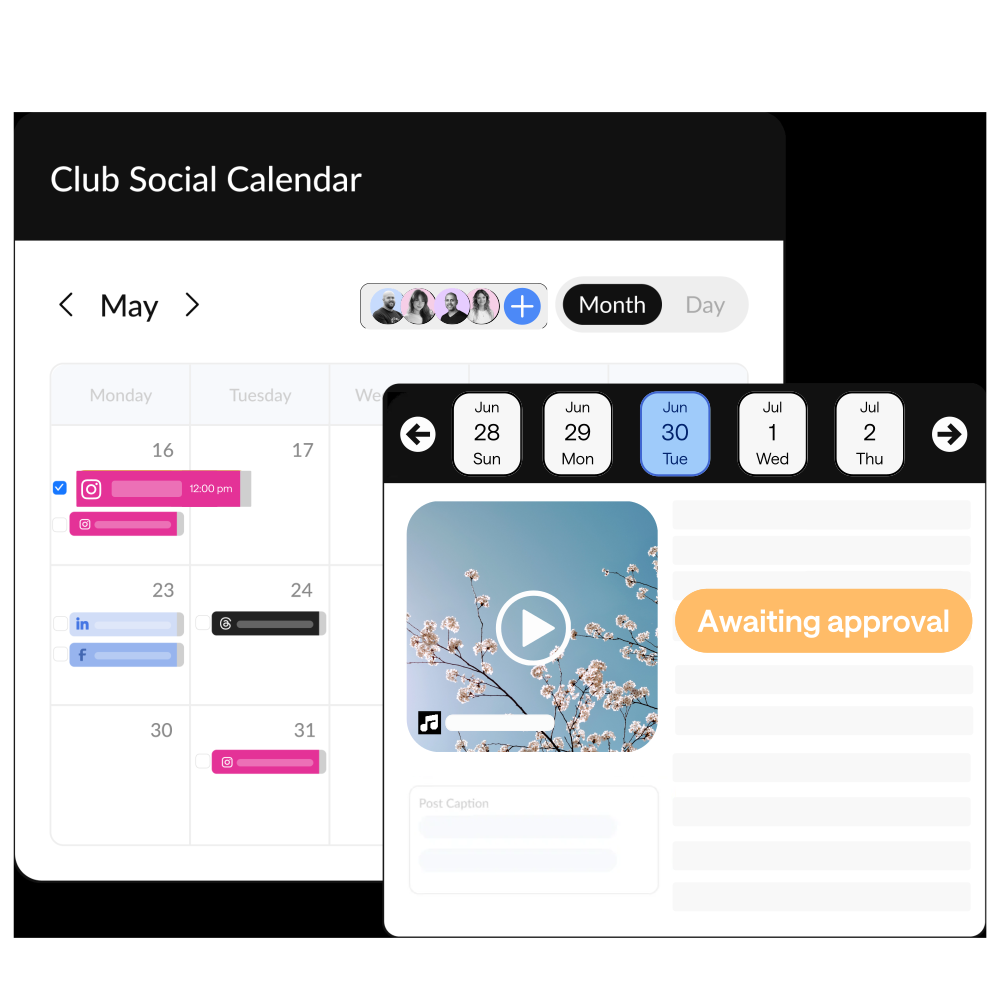
No downloading, no re-uploading, and no adding music at the last minute.
Trending audio is available on all HeyOrca plans
(Yes, even our free plan!)

Frequently asked questions
Will my clients hear the audio during approvals?
Fo the most part, yes. When you share content for review, stakeholders can see that audio has been added, making it easier to review the final post before publishing. For IG, if a preview isn’t available they can use the published quick link to view it on IG itself.
Which post types support trending audio?
Trending audio is currently available for Instagram Reels and TikTok videos published from Business accounts.
What songs are trending on TikTok right now?
TikTok trends change every day. Browse TikTok's top 100 trending songs in HeyOrca, or check out our weekly Trending TikTok & Instagram Audio blog to discover the latest songs and sounds.
How do you find trending audio on Instagram and TikTok?
You can browse the Instagram and TikTok apps or use HeyOrca to search Instagram's audio library and explore TikTok's top 100 audios from the Commercial Music Library – all without leaving your content workflow.
Does HeyOrca determine which trending audio is available?
No, the trending audio available in HeyOrca is determined by Instagram and TikTok. Instagram provides a subset of music and original audio clips from Meta's library. TikTok provides 100 music results based on your filters, all of which are sourced from their Commercial Music Library.
Can I use trending audio for TikTok?
Absolutely. Browse TikTok's Commercial Music Library, filter trending songs by country, genre, and time period, trim your audio, and publish without leaving HeyOrca.
Can I add trending audio to Instagram Reels in HeyOrca?
Yes! You can search Instagram's available music and original audio library, preview tracks (when available), adjust audio volume, and publish directly from HeyOrca.