Your new fave social media calendar tool for easy content planning
Tired of messy spreadsheets, scattered feedback, and last-minute posting?
With HeyOrca, every client gets their own social media calendar and workspace – making it easier to plan content, collect approvals, and keep your whole team aligned.
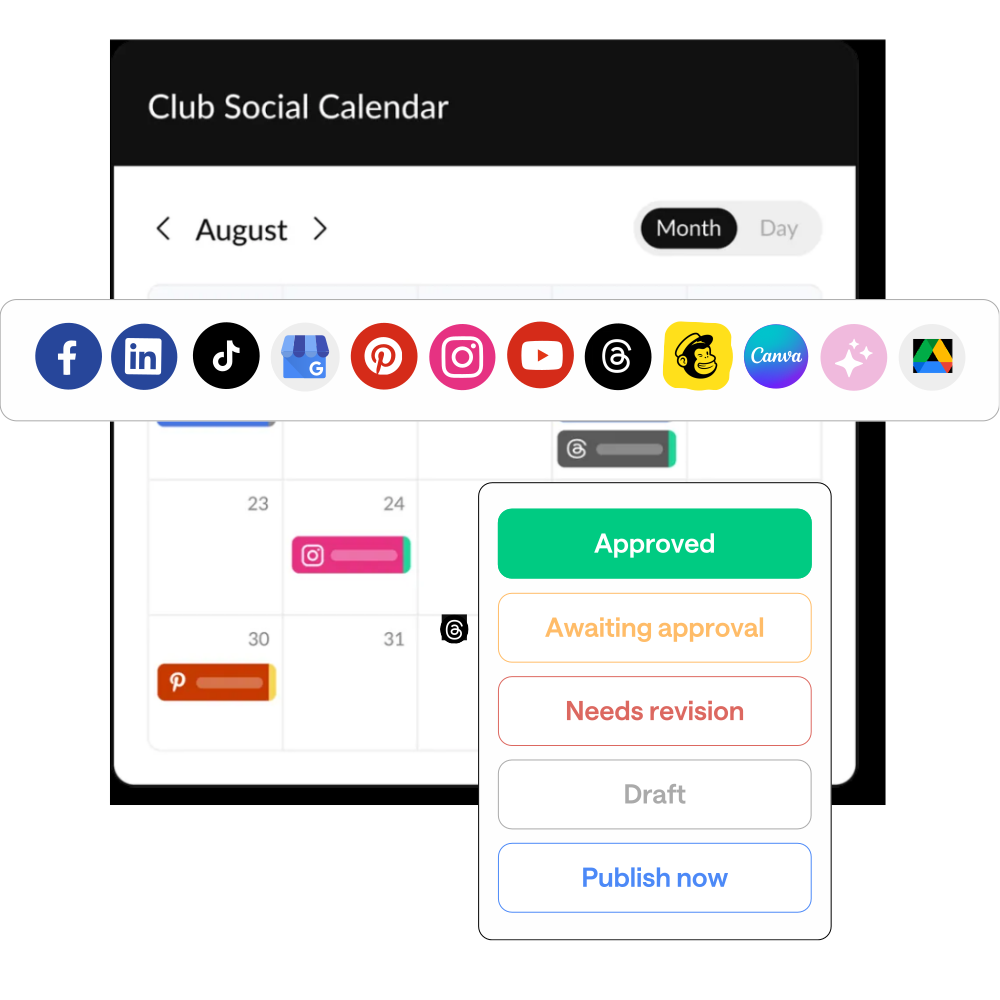
A social media calendar made for the way you work
Keep every client’s content organized, approved, and ready to publish with separate social media calendars for every brand you manage.
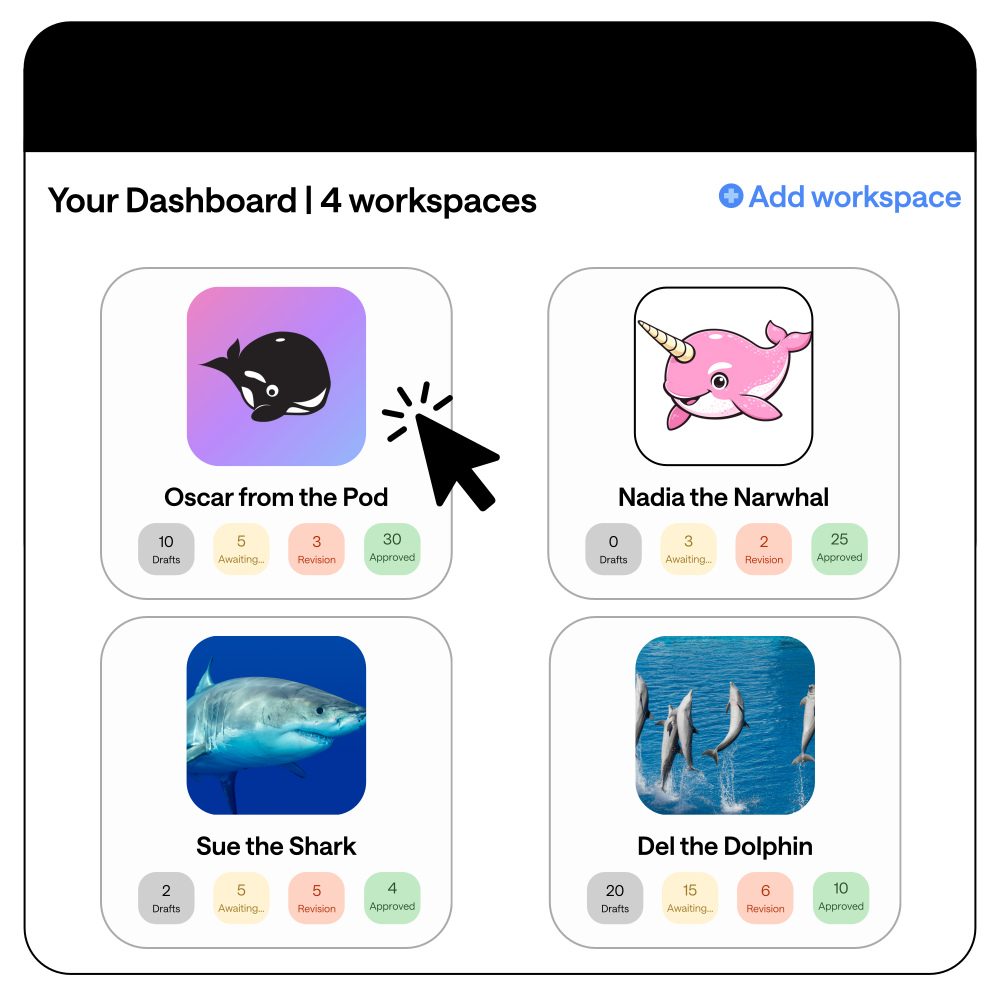
Stay organized across every client
Give each client their own workspace, so social media calendars, campaigns, content, and approvals stay exactly where they belong.

Make collaboration easier with unlimited users
Get your whole team (and clients) involved without extra fees. Share one link and keep feedback and approvals out of long email chains.

Plan your social media content with confidence
See what’s coming up, spot gaps, and keep your publishing schedule on track with a clear view of every post.
Why social media managers love HeyOrca . . .

What is a social media calendar?
Think of it as your content HQ. A social media calendar helps you plan, organize, and publish posts without multiple spreadsheets, endless Slack messages, or last-minute “did we approve this?” email threads.
.avif)
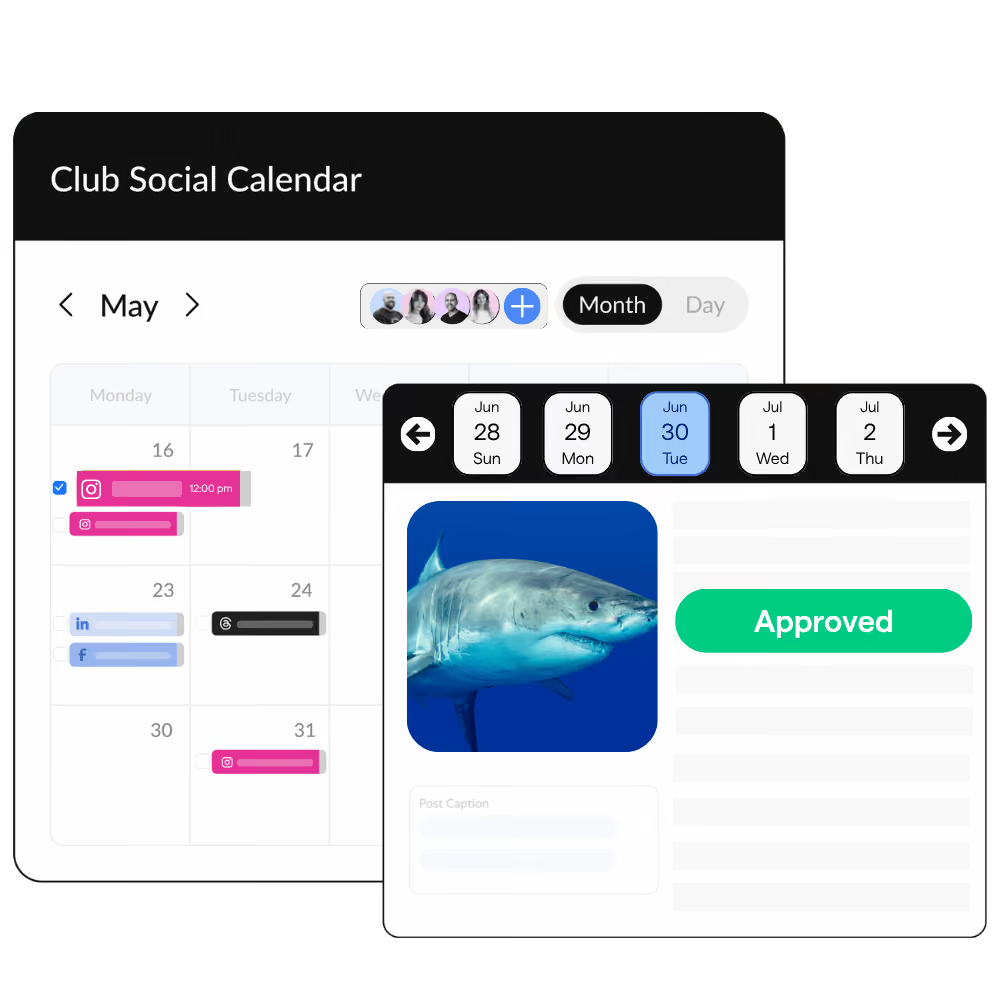
Keep all of your content in one place
See scheduled posts, work in progress, and published content in a single, clear view – so your team stays aligned, and nothing slips through the cracks.
View your content calendar your way
Switch between month, day, or grid views depending on how zoomed in (or zoomed out) you need to be.
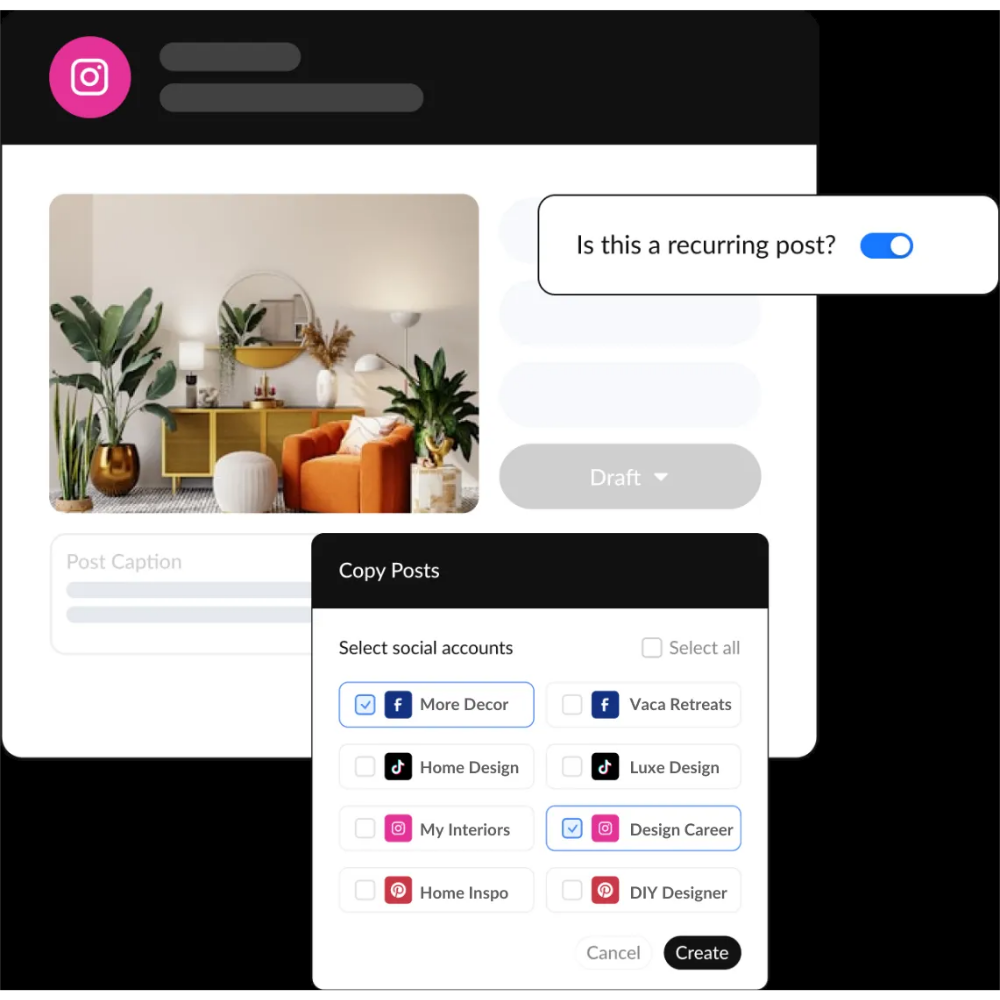
Schedule multiple posts without repeating the same work
HeyOrca integrates with Facebook, Instagram, TikTok, LinkedIn, YouTube, Threads, Pinterest, Google Business Profile, and Mailchimp.
Make client approvals feel less like a game of tag
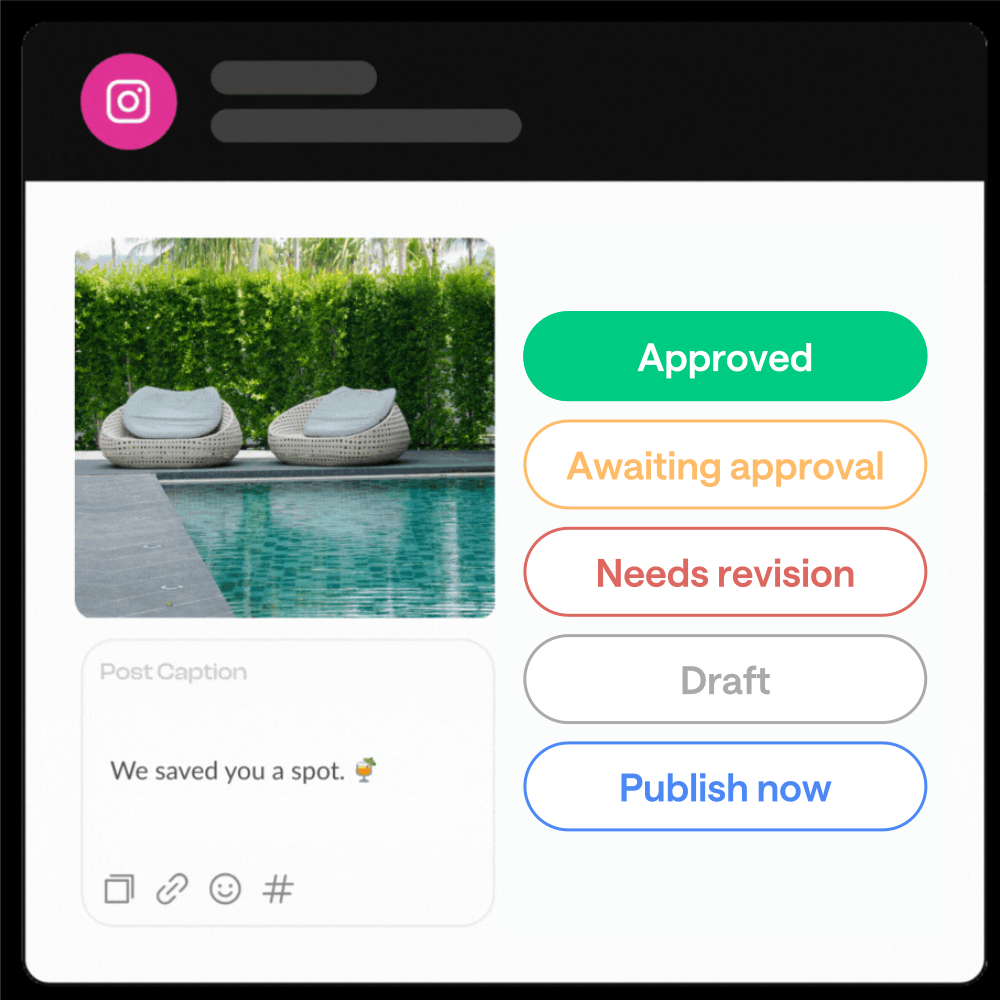
HeyOrca keeps approvals connected to your content so clients can review, comment, and approve without the back-and-forth.
Keep every client’s content organized
Your team can spend less time organizing content and more time creating content communities actually care about.
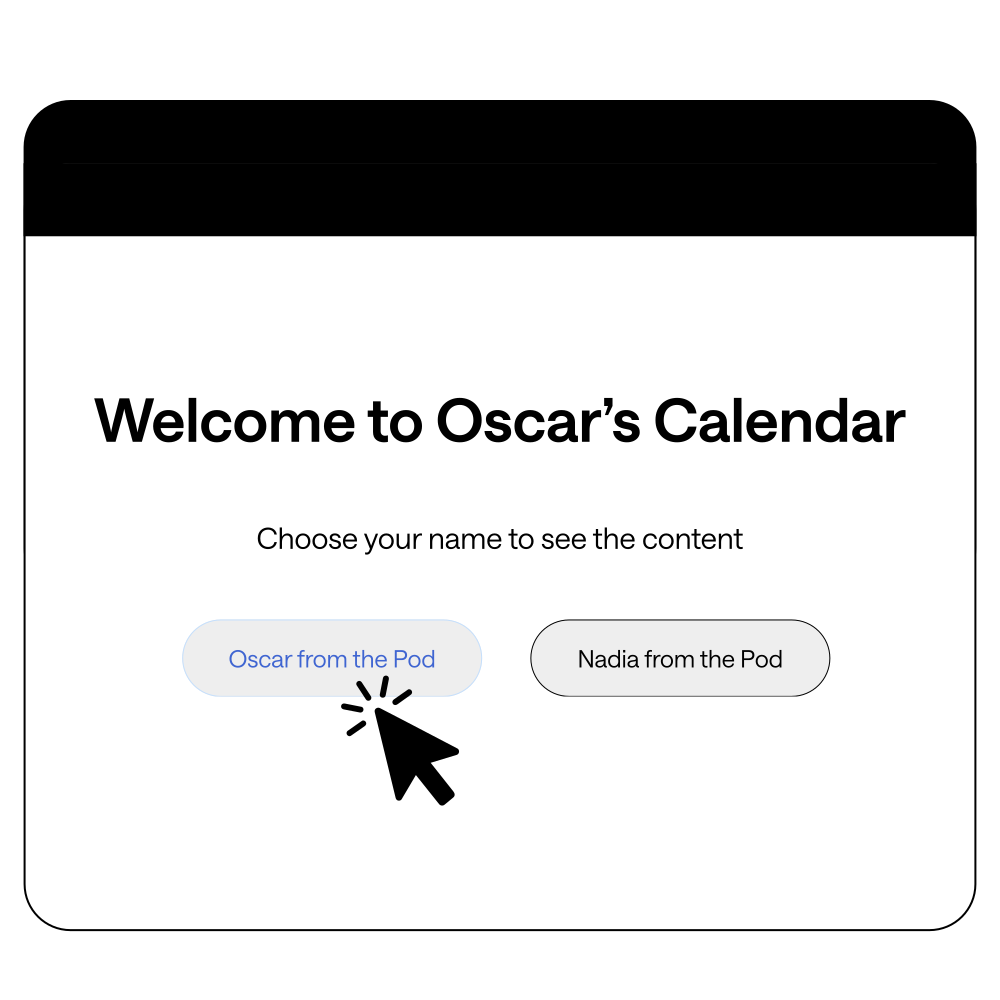
Your clients never have to log in
Social media teams and agencies love HeyOrca’s content calendar tool
“HeyOrca has quite literally been a lifesaver. As an agency with 20+ clients, we needed a platform that would effectively manage clients across platforms. Creator Studio wasn't cutting it for our larger clients who required crossposting to Linkedin, Google My Business, etc.”

Devan F.
Social Media Strategist
“We were able to onboard all of our clients easily and all clients were impressed. Compared to other social media content scheduling and review tools I've used (Sprout Social, Agorapulse, Hootsuite) HeyOrca is by far my favorite.”

Gina S.
Social Media Manager
“I recommend HeyOrca to manage the digital channels of numerous clients at the same time. Your scheduled material can be posted directly to social media accounts like Facebook, Instagram, and LinkedIn. Customer service is amazing; they are knowledgeable, helpful and responsive.”

Patricia J.
Manager of Public Relations and Communications
Frequently asked questions
What is the best social media calendar for digital marketing agencies?
The best social media calendar for digital marketing agencies helps teams manage multiple clients, organize content, and simplify approvals. HeyOrca gives agencies separate calendars for each client, making it easier to plan and publish social content.
What should a social media management calendar include?
A social media management calendar should include planned posts, publishing dates, platforms, approvals, and collaboration tools. For agencies, separate client calendars can make managing multiple brands much easier.
Is HeyOrca a social media calendar tool?
Yes. HeyOrca is a social media management tool with built-in social media calendars for teams and agencies. This makes it easy to plan content, collaborate with clients, and manage every community in one place.
Can I create separate social media calendars for different clients?
Yes! HeyOrca lets you create separate calendars with a workspace for each client so every brand’s content, approvals, and publishing schedule stay organized.
Can my whole team collaborate on a social media content calendar?
Yes. HeyOrca comes with unlimited users, so your entire team can collaborate on your social media calendars without extra user fees. Bring in social media managers, designers, strategists, and clients to help plan, review, and approve content.