Bring your HubSpot newsletters into HeyOrca
Connect HubSpot to HeyOrca and bring your email newsletters into the same workspace as your social posts.
With one shared view of every campaign, your team can stay aligned and create a more connected experience for your community.
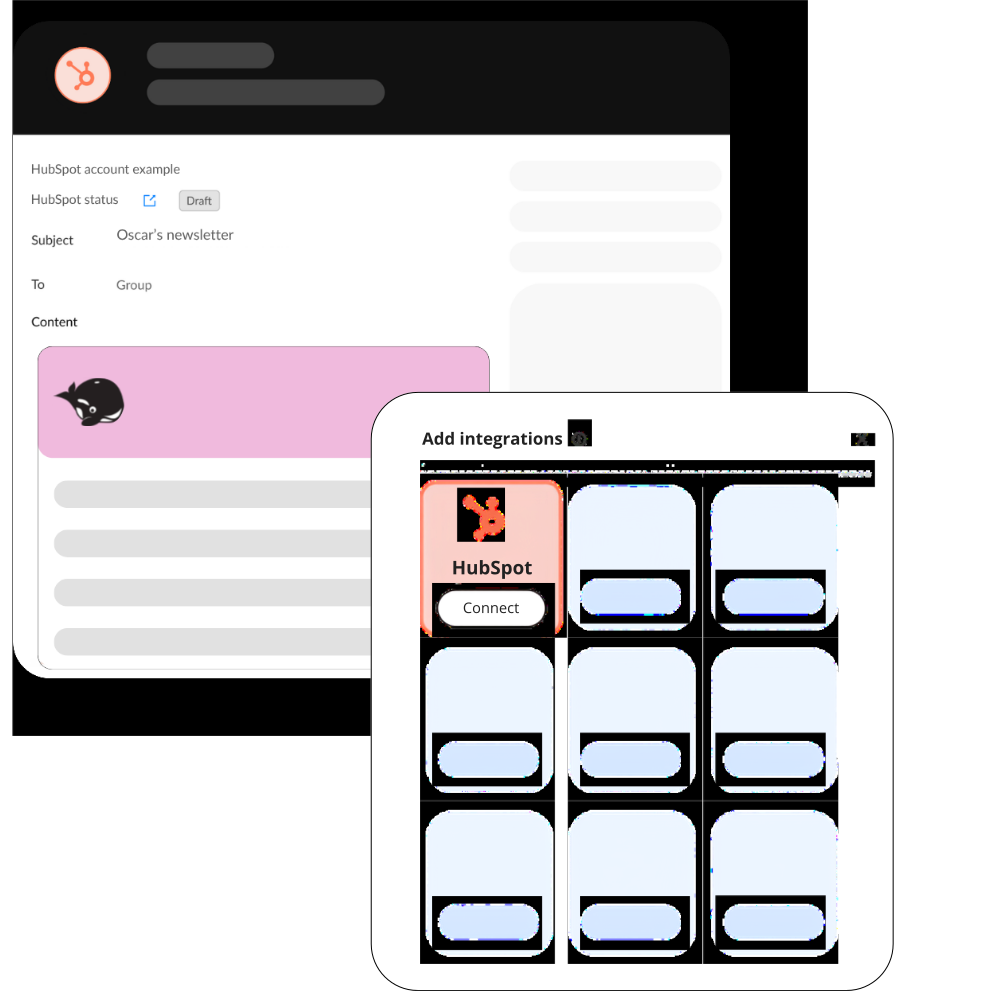
.png)
View your HubSpot newsletters without leaving HeyOrca
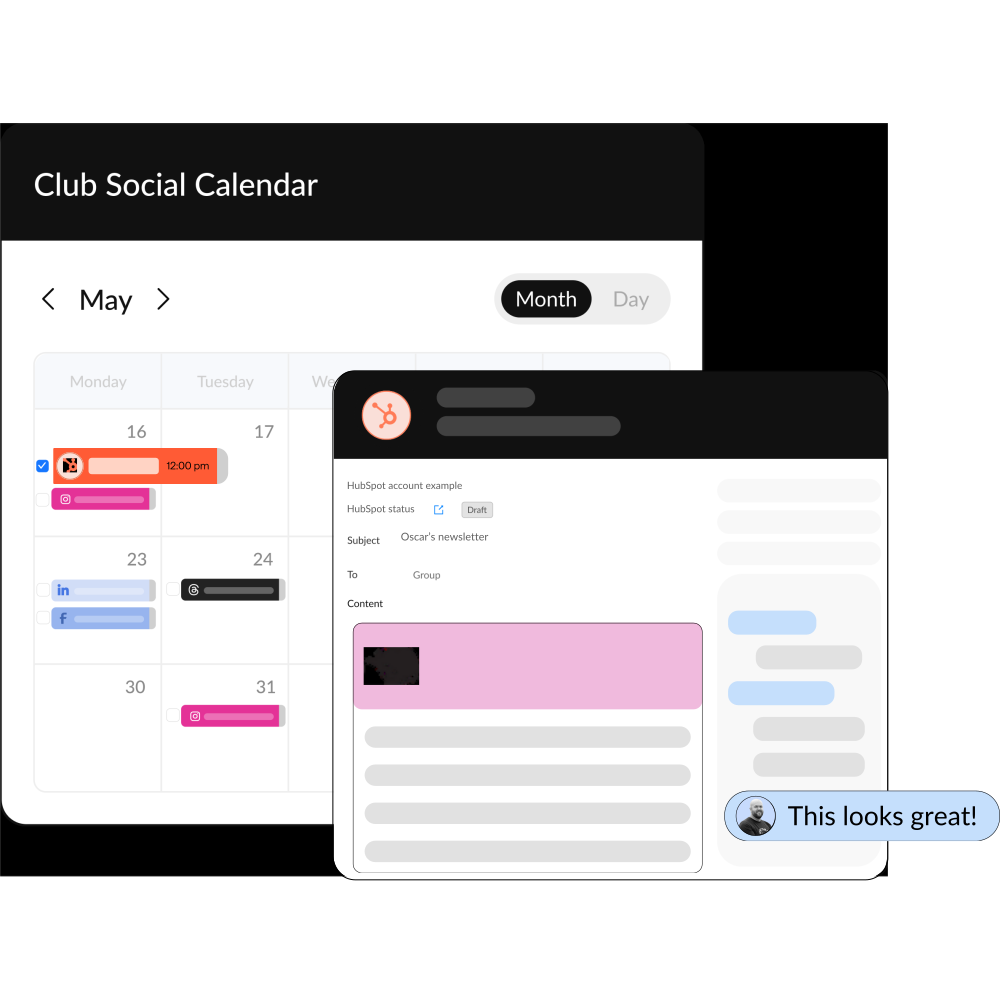
With HubSpot connected to your HeyOrca account, your team can see email and social content in one shared calendar, making it easier to stay organized, collaborate, and deliver more cohesive campaigns.
Add HubSpot to your HeyOrca content calendar to:
Frequently asked questions
Does HeyOrca integrate with HubSpot?
Yes! You can connect your HubSpot account to HeyOrca and view your marketing email campaigns alongside your social content calendar. HeyOrca integrates with HubSpot, Mailchimp, Instagram, Facebook, LinkedIn, TikTok, Pinterest, Threads, Google Business Profile, and YouTube.
Can I connect to HubSpot using HeyOrca’s Free plan?
HubSpot accounts or mix HubSpot with another platform, like Instagram or LinkedIn. With the Free plan, you can view your HubSpot email content on your calendar. To share HubSpot content and collect feedback, you’ll need a HeyOrca Basic or Pro plan.
What can I do with HeyOrca’s HubSpot integration?
HeyOrca’s HubSpot integration lets you view your scheduled email campaigns alongside your social posts. You’ll see your email’s send date, time, subject line, and content preview. With a Basic or Pro plan, you can also share HubSpot content with stakeholders using shareable links and collect feedback with Internal and Everyone comments.
Can I make changes to my HubSpot content from HeyOrca?
Not yet. The HubSpot integration is currently read-only, meaning you can view your email campaigns in HeyOrca and make edits directly in HubSpot.
Does HubSpot count toward my workspace’s social account limit?
Yes. HubSpot counts as one connected account in your workspace. Basic and Pro plans support up to 10 connected accounts, while Free plans support up to two.