Join the HeyOrca for agencies program
Your agency gets more than a social media management tool. Access the tools, personalized pricing, and support to run your agency your way – with a dedicated Agency Success Manager in your corner as you grow.
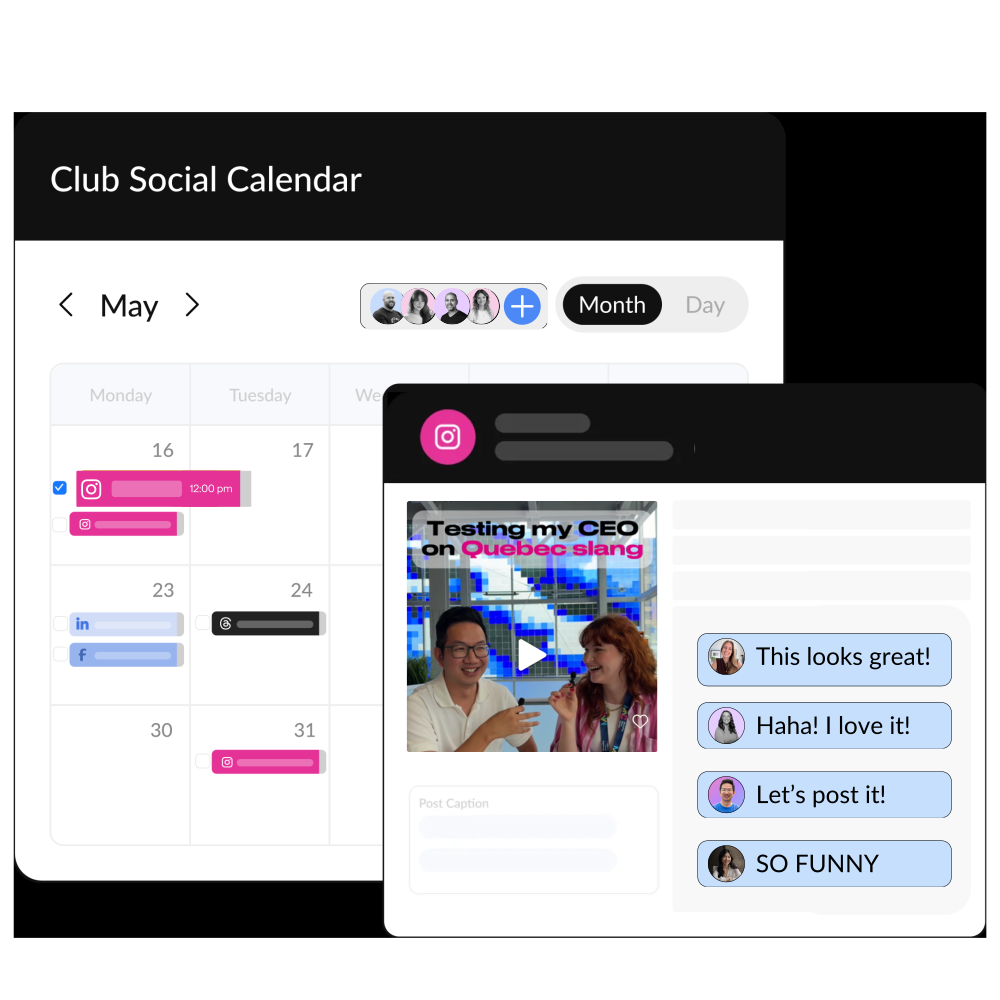
Everything your agency needs to manage clients
Approvals
Send each client a shareable link so they can easily approve posts and leave feedback (even if they’re not tech-savvy).
Unlimited users
Bring your whole agency into HeyOrca – employees, freelancers, stakeholders, and clients included. Everyone can collaborate without counting seats or worrying about another per-user fee.
Multi-client management
Give every client their own dedicated workspace, while your team manages everything from one HeyOrca account. Keep brands, content, and conversations separate without losing the big picture.
Social media integrations

Plans designed to grow with your agency
Scale your agency without your bill. Every paid plan includes unlimited
users, so you can invite your team, freelancers, stakeholders, and clients without
worrying about seat limits. Plus get better rates as you add more clients.
reports and inbox.
Keep a pulse on every client's brand
Custom reports
Create polished, shareable reports with your agency’s branding. Track post performance, compare channels, uncover insights, and give every client a clear look at how their social is performing.
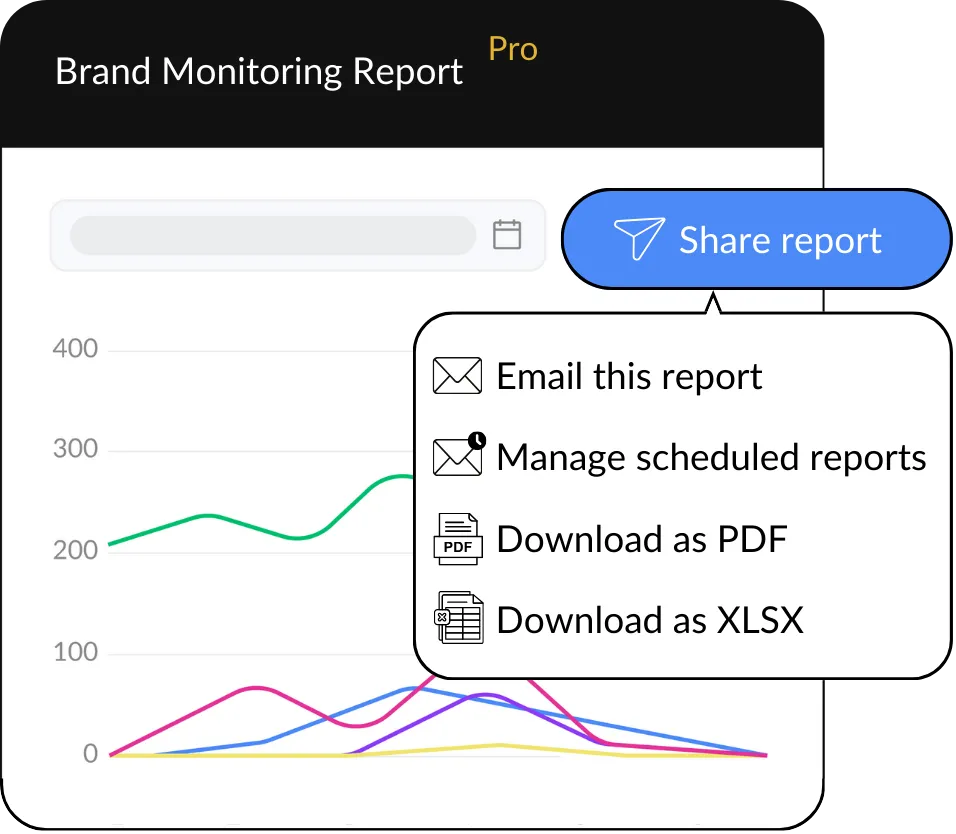
Brand monitoring
See what people are saying about your clients, spot potential issues, celebrate brand advocates, and keep an eye on the competition – all without leaving HeyOrca.
Oscar AI
Oscar can spot gaps in your clients’ content strategies, surface insights from past performance, and recommend what to try next based on what’s actually working.
Get up to 6 months free of HeyOrca
No need to wait for your contract to end. We'll cover up to 6 months of HeyOrca, so your team can get started right away. Talk to sales to see if you qualify.
Or – dive deeper into why these agency leaders made the switch to HeyOrca.

Client onboarding, approvals, and accountability became much easier with HeyOrca’s unlimited users.
Read Bowda's case study →

Planning, approvals, and publishing tasks that once took 5–10 minutes take about 30 seconds with HeyOrca's all-in-one platform.
Read Jellybean's case study →

A built-in approval system keeps Oyster Creative Co.’s social content moving smoothly between teams and clients.
Read Oyster's case study →
Agency success
Need a hand getting your team set up? Want to make your workflows smooth? Have a question that's too specific for a help article?
Your dedicated Agency Success Manager is here for all of it – alongside our usual customer care team, of course.

.avif)

customer care team!
They're the best.


Frequently asked questions
Does HeyOrca’s Google Business Profile scheduler have an approval process?
Yes! When you use HeyOrca Basic or Pro to manage your Google Business Profile, you can have your stakeholders – including clients and team members – approve your posts before they’re published.
Why should I use a Google Business Profile scheduler like HeyOrca?
Using a Google Business Profile scheduler like HeyOrca helps you and your team maintain a consistent posting schedule, plan your content in advance without daily manual work, and get content approved by the appropriate stakeholders before its published. HeyOrca also makes it easy to manage your Google Business Profile alongside your other social media accounts, including Instagram, LinkedIn, Pinterest, Facebook, and more.
Does HeyOrca’s Google Business Profile scheduler let me add buttons to my posts?
Yes, when you schedule a Google Business Profile post in HeyOrca, you can add an optional call-to-action button to your post. Choose from the following button labels: Book, Order online, Buy, Learn more, Sign up, Call now.
Can I manage multiple Google Business Profile accounts in HeyOrca?
Yes, you can manage multiple Google Business Profile accounts in HeyOrca. You can connect up to 10 social media accounts to each HeyOrca workspace. That means you can connect up to 10 Google Business Profile accounts, or you can connect a combination of Google Business Profile and other social media accounts, including Instagram, LinkedIn, and Facebook. Please note, however, that Google’s API presents some publishing limitations for businesses that Google deems franchises or chains. For more details on posting to Google Business Profile, see our how-to guide.
How do I create and schedule a Google Business Profile post in HeyOrca?
To post an update to Google Business Profile via HeyOrca, first connect your Google Business Profile to HeyOrca. Then, drag and drop your media into your calendar. Alternatively, you can click the “Create post” button to get started. Add your post details, including caption and optional call-to-action button with destination URL. When you’re ready for your stakeholder(s) to approve your post, adjust the “Post stage” to Awaiting Approval. Don’t need approval? Choose Approved instead. HeyOrca will publish your approved posts at the time and date you set.
Can I draft, review, and approve Google Business Profile posts before publishing?
Yes, HeyOrca’s built-in content approval tool helps you draft, review, and approve your Google Business Profile posts before they’re published. In HeyOrca, you can manage your posts using five post stages: Draft, Awaiting Approval, Approve, Revise, and Publish Now. Choose to manage these stages for each post individually or in bulk.