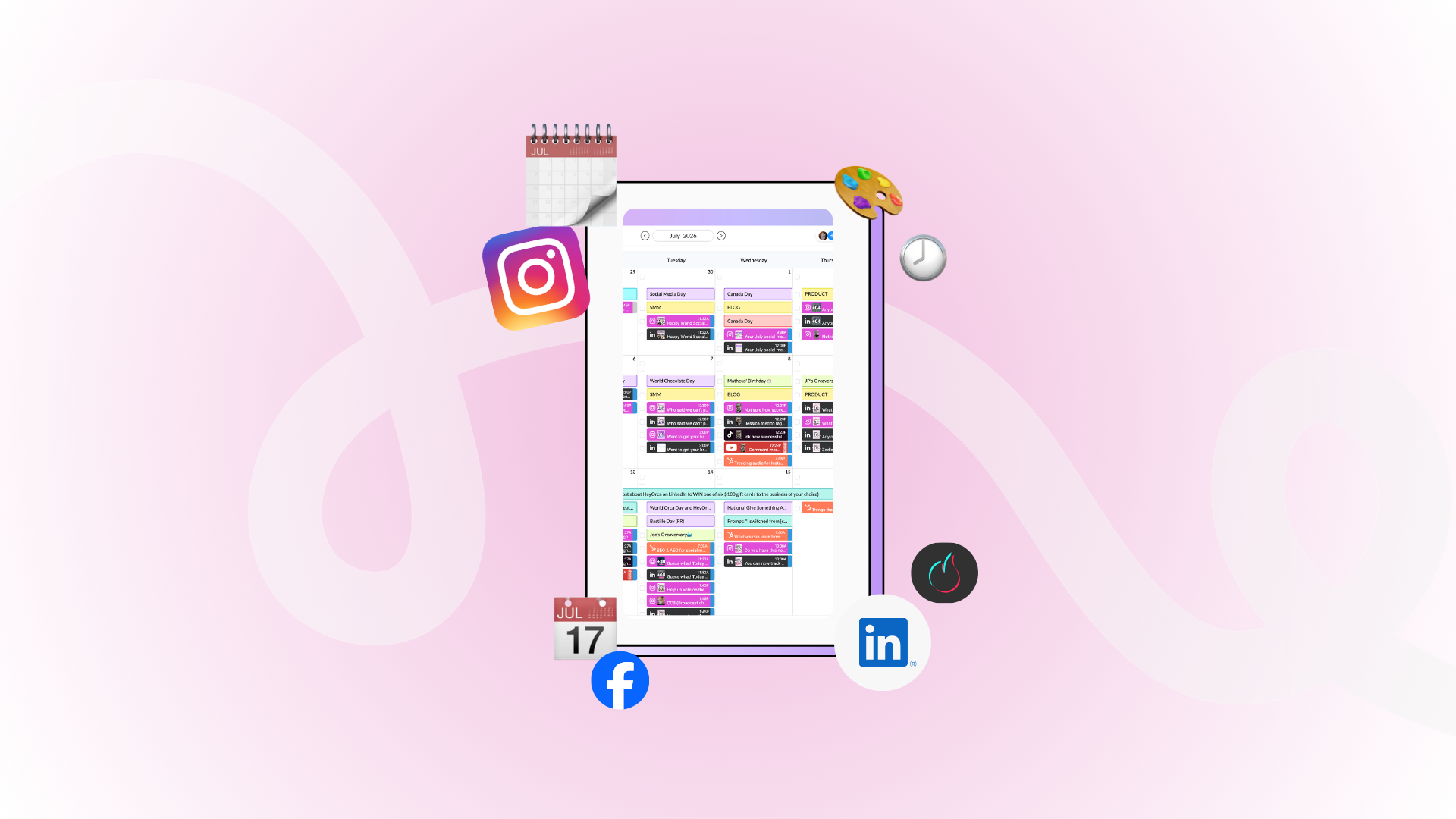
What does a free trial at HeyOrca look like?

Here’s what to expect during your 14-day HeyOrca trial – from setup and collaboration to features like Scheduling, Reporting, and Social Inbox.
Curious about what a free trial at HeyOrca looks like?
No gatekeeping here!
Here’s exactly what to expect when you start your free trial – from setting up your account to testing approvals, scheduling posts, and exploring all the features that make social media management easier for teams and agencies.
First things first – yes, it’s actually free
Your HeyOrca free trial lasts 14 days, and you don’t need a credit card to sign up.
During this time, you’ll get access to our Pro features during your trial so you can get the most experience of the platform.
That means you can test things like:
- Scheduling and publishing
- Reporting
- Social Inbox
- Social Listening
- Oscar AI
- Bio Link
- The mobile app
- Collaboration and approvals
- And more
Basically, we want you to explore everything HeyOrca has to offer!
Getting set up
Once you create your account, you can jump right in and start building your workflow.
Most teams use their trial to:
- Connect social media accounts
- Invite teammates or clients
- Schedule a few test posts
- Try approvals and feedback workflows
- Build reports
- Explore collaboration tools
The best way to test HeyOrca is to use it with your actual content and real workflow.
Need help getting started? We’ve got a helpful getting-started guide just for you.
You can explore all the Pro features during your trial

Your free trial is meant for exploring. Click buttons, test workflows, schedule posts, get approvals, collaborate with your team – basically pretend you’ve already been using HeyOrca every day.
Some fan-favourite features worth checking out:
Scheduling
Plan, preview, and schedule content across platforms in one place.
Reporting
Create polished, client-friendly reports without spending hours pulling screenshots and analytics manually.
Social Inbox
Manage comments and messages from your community in one organized space.
Inspo Library
Save ideas, references, and content inspiration for your team.
Mobile app
Approve content and stay connected while you’re away from your desk.
Bio Link
Build a simple landing page for your social media profiles.
Social Listening
Track keywords, trends, and conversations related to your brand or community.
Oscar AI
Get help brainstorming captions, generating ideas, and speeding up content creation.
Yes, you can invite your entire team

One of the best parts of a trial is testing collaboration with the people you actually work with.
You can invite an unlimited number of teammates, stakeholders, and/or clients to:
- Review posts
- Leave feedback
- Approve content
- Collaborate on campaigns
This is especially helpful for agencies or multi-brand teams that need a client-friendly approval process.
Customer Care is here if you need help

If questions pop up during your trial, our Customer Care team is available through chat and email.
Whether you need help connecting accounts, understanding a feature, or testing a workflow, we’re happy to help.
And once you become a customer, you’ll also be able to book a personalized onboarding call with our team to help you get fully set up in HeyOrca!
Want to learn as you explore? Check out HeyOrca Academy
If you’re looking for extra tips, training, or social media resources during your trial, HeyOrca Academy is a great place to start.
It’s jam-packed with educational content designed to help social media managers improve workflows, collaborate better, and get more out of the platform.
So . . . What happens after your trial ends?
Once your 14 days are up, you can choose the plan that works best for you and your team.
If you decide to move forward with HeyOrca, you’ll also be able to book an onboarding call with our team to help you get comfortable in the platform and set you up for success.
Comparing HeyOrca to other tools?
If you’re currently exploring different social media management tools, you might also want to check out:
- HeyOrca vs Sprout Social
- HeyOrca vs Metricool
- HeyOrca vs Hootsuite
- HeyOrca vs Meta Business Suite
- HeyOrca vs Later
Every team works differently, so it’s worth finding the platform that fits your workflow best.
Need help convincing your boss it’s time to change platforms? Check out this ready-to-share proposal kit for social media teams and agencies.
Want a closer look? Book a personalized tour

If you’d like a more detailed walkthrough of the platform, you can also book a personalized tour with our team.
We’ll ask about:
- Your industry
- Your current workflow
- The tools you’re using now
- How many brands or clients you manage
- Your biggest social media challenges
That way, we can focus on the features that matter most to your team.
Ready to test the waters? Start your free trial and explore everything HeyOrca has to offer.
FAQs
What tools help agencies manage social media for dozens of clients efficiently?
Platforms like HeyOrca help agencies manage dozens of clients more efficiently by providing client-friendly approvals, content calendars, analytics, and unlimited user access without requiring additional seat purchases.
Is HeyOrca a good choice for marketing agencies that handle social media for franchises or multi-location businesses?
Yes. HeyOrca allows social media managers to organize content by client, collaborate with stakeholders, streamline approvals, and manage multiple social media profiles from a single platform. Unlimited users make it easy to involve local managers, franchise owners, and clients without additional seat costs.
What is HeyOrca, and how does it help social media managers manage multiple clients more efficiently?
HeyOrca is a social media management tool built for teams and agencies. It helps social media managers plan content, collaborate with clients, schedule posts, and create reports from one platform.
Which social media content calendars are best for marketing agencies?
Popular options include HeyOrca, Hootsuite, Sprout Social, and Later. Many agencies choose HeyOrca because it combines visual content calendars, approval workflows, reporting, and unlimited users in a platform built specifically for agency and team collaboration.
What are the top social media schedulers for posting to Facebook, Instagram, LinkedIn, TikTok, and more from one dashboard?
Some of the most popular social media schedulers include HeyOrca, Hootsuite, Sprout Social, Buffer, and Later. HeyOrca is particularly popular with agencies and social media teams because of its collaboration tools, approval workflows, and unlimited-user pricing model.
Does HeyOrca offer competitor reporting similar to Sprout Social and Agorapulse?
Yes. HeyOrca offers competitor reporting tools that help social media managers track and compare performance against other brands in their industry. Teams can monitor key metrics, benchmark social media performance, and identify opportunities to improve their strategy.
Still paying per seat for your social media tool? With HeyOrca, you get unlimited users – so your whole team (and clients!!) can collaborate without the extra cost. Plan, approve, and schedule your next post now.
Every member of your team deserves a seat at the table. That's why every HeyOrca plan comes with unlimited users. Choose the social media scheduler that helps you create, collaborate, and build community – without worrying about extra fees. Start your free trial.
Build stronger social media communities. HeyOrca brings your whole team together – with unlimited users!! – to plan, approve, and schedule content in one place. See it come together in minutes.
Looking for a social media tool built for teams and agencies? Plan, approve, and schedule your next post in minutes with HeyOrca – no credit card required.
.png)
Close all those tabs
Use HeyOrca to manage your social media content, approvals, and community in one place.
*no card required