How to get your clients to approve content on time
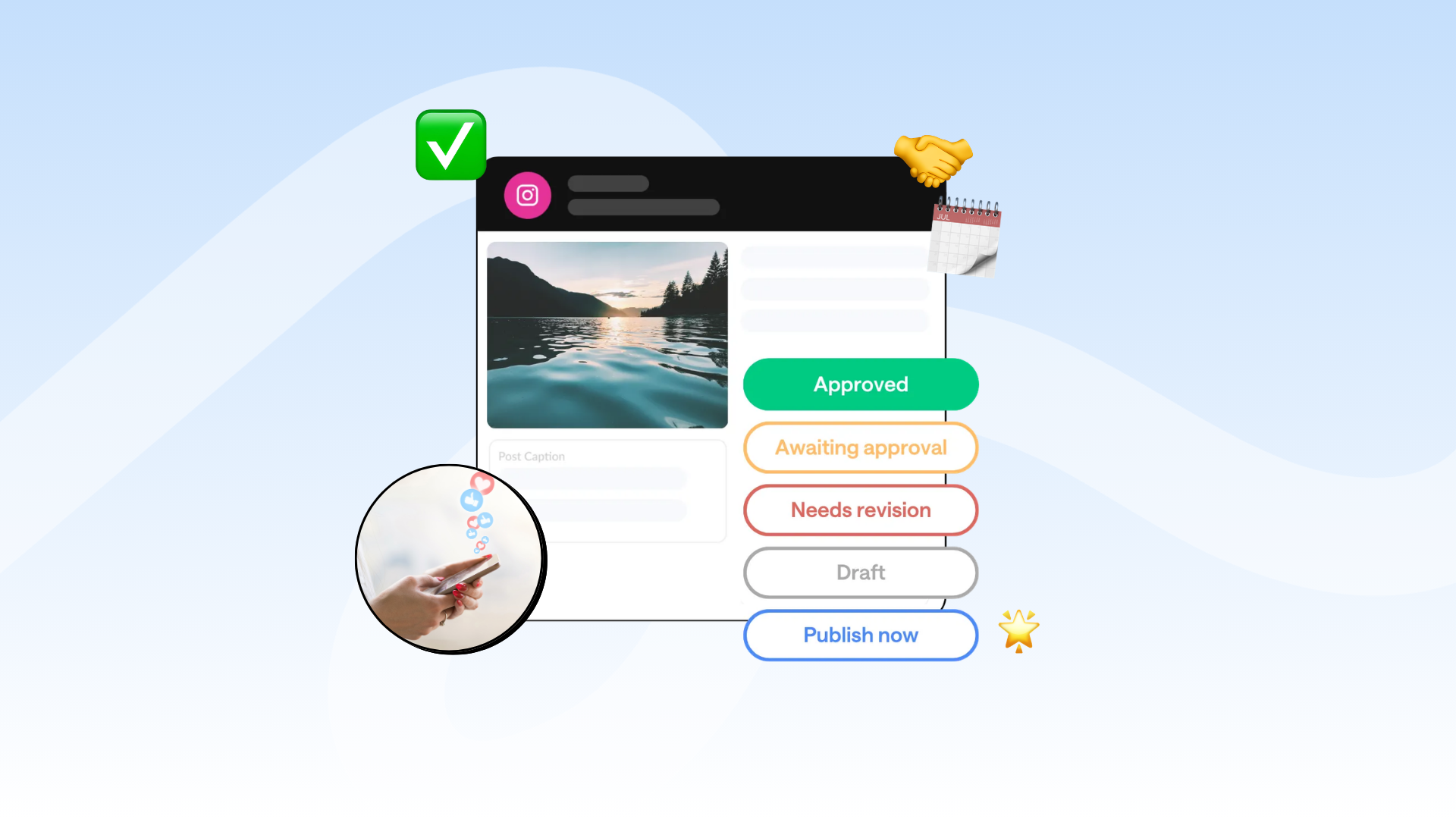
Struggling with slow client approvals? Learn how to speed up your social media approval process, reduce bottlenecks, and keep content moving on schedule.
Client approvals are one of the biggest bottlenecks agencies and marketing teams deal with (believe me I've been there).
If you’ve worked in social media for more than 5 minutes, you’ve probably dealt with that client.
You know the one.
The client who disappears for 2 weeks and somehow turns a simple caption approval into a full-blown group project.
But there is light at the end of the tunnel! Here are a few ways to make approvals smoother without chasing clients 24/7 or turning your workflow into organized chaos.
Why do client approvals take so long?

Sometimes client approvals get delayed because clients are busy. Other times, the approval process itself is the issue.
Here are a few reasons approvals could be delayed:
- Too much content gets sent at once
- Clients don’t know what feedback you need
- Approval deadlines aren't clear
- Content gets buried in email threads
- Stakeholders keep changing their minds
- There’s no backup plan if someone doesn’t respond
Another thing to remember is that clients won’t always understand social media the same way you do (they hired you for a reason!).
Draft content earlier than you think you need to
If you already know a client takes 2 weeks to approve content, build that into your workflow from the start.
This extra buffer will give you time to:
- Collect feedback
- Make revisions
- Handle last-minute changes
- Avoid panic-posting on publish day
Create evergreen content
This is one of the best ways to avoid bottlenecks altogether. Instead of relying on week-by-week approvals, create a small library of evergreen posts your client can approve in advance.
That way, if they disappear for a few days/week, you still have approved content ready to go.
A simple workflow could look like this:
- Approve evergreen content monthly
- Share timely or trend-based posts weekly
- Swap in evergreen posts if approvals get delayed
This will help give your content calendar a bit of breathing room, maintain your posting consistency, and save you time from scrambling as much when approvals stall.
Set clear approval boundaries
Sometimes the biggest approval issues isn’t timing, it’s actually unclear expectations.
During client onboarding, make sure your approval process is clearly outlined in your contract.
For example:
- Content must be approved by a specific deadline
- Missed deadlines may delay publishing
- No response within a certain timeframe counts as approval
- Additional revision rounds may affect timelines
- Revisions are limited to X per month
Also, make sure you really stick to this. Because if every approval becomes a last-minute emergency, your workflow will become impossible to manage.
Don’t overwhelm clients with too much content at once
More content doesn’t always mean faster approvals.
In fact, sending an entire month of posts at once can sometimes slow things down even more because the clients will feel like they need to review everything immediately before approving anything.
Instead, try sending in smaller batches like this:
- Approve 1-2 weeks at a time
- Prioritize the next 3-5 posts first
- Keep future content visible, but not urgent
Smaller approval batches can feel more manageable, which often means clients will reply faster.
Plus, it’s easier for you to make quick edits without reopening 30 different posts.
Make it easy for clients to approve posts

If your clients need to dig through email chains, download PDFs, or hunt for the latest version, then your approvals are probably going to take longer.
The easier you make the process, the more likely clients are to actually complete it.
That’s why many agencies use approval tools built specifically for social media workflows.
HeyOrca’s client approval system, you can:
- Send posts for approval in one click
- Let stakeholders approve or reject content
- Collect feedback directly on the post
- Choose whether one or multiple people need to approve
- Share approvals without requiring clients to log in or make an account
A quick note about approval-heavy workflows
This might be controversial, but not every client actually needs approvals for every single post.
Sometimes, too many approval layers create more friction than value.
After all, your clients hired you because you understand social media strategy, trends, and content best practices.
That said, some organizations absolutely need approvals – especially in regulated industries or larger teams with multiple stakeholders.
The key is finding the right balance between collaboration and momentum.
FAQs
What is recommended for approval in a social media workflow?
The best approval workflows are simple, clear, and collaborative. Most teams speed up approvals by setting deadlines, sending smaller content batches, and using content approval tools like HeyOrca to keep feedback in one place.
What are the 8 stages of workflow?
Most social media workflows follow these stages:
- Planning
- Content creation
- Internal review
- Client approval
- Revisions
- Scheduling
- Publishing
- Reporting
Which tools are best for managing social media approval workflows?
Popular approval workflow tools include HeyOrca, Asana, and Trello. Many agencies use HeyOrca because it combines content approvals, scheduling, and collaboration in one place.
How can I speed up the pending approval process?
To speed up approvals:
- Send smaller batches of content
- Set approval deadlines
- Create evergreen backup posts
- Keep feedback in one place
- Use automated approval reminders
Tools like HeyOrca can help reduce delays by simplifying the approval process for clients and teams.
What are some content review tools for marketing teams?
Yes. Popular content review tools include HeyOrca for social media approvals, Notion for collaboration, and Frame.io for video feedback workflows.
What should you do when a client never approves content on time?
If clients regularly miss approval deadlines, create clearer boundaries. Many agencies use approval deadlines, evergreen backup content, and “no response means approval” policies to keep content moving consistently.
Summary
Client approvals will probably never become your favourite part of social media management.
But with clearer boundaries, smaller approval batches, and a more organized workflow, they become a whole lot easier to manage.
Still paying per seat for your social media tool? With HeyOrca, you get unlimited users – so your whole team (and clients!!) can collaborate without the extra cost. Plan, approve, and schedule your next post now.
Every member of your team deserves a seat at the table. That's why every HeyOrca plan comes with unlimited users. Choose the social media scheduler that helps you create, collaborate, and build community – without worrying about extra fees. Start your free trial.
Build stronger social media communities. HeyOrca brings your whole team together – with unlimited users!! – to plan, approve, and schedule content in one place. See it come together in minutes.
Looking for a social media tool built for teams and agencies? Plan, approve, and schedule your next post in minutes with HeyOrca – no credit card required.
.png)
Close all those tabs
Use HeyOrca to manage your social media content, approvals, and community in one place.
*no card required


