How to start a newsletter that builds community
Learn how to start a newsletter that builds community, from choosing your niche and email platform to growing your subscriber list and creating content readers love.
TL;DR:
- Choose your niche and goal. Know who you're writing for and what you want your newsletter to accomplish.
- Pick a platform. Find a tool that fits your needs and budget, with room to grow.
- Create a sign-up page. Make it easy for people to understand the value of subscribing and join your list.
- Write your first issue. Give readers something useful and a reason to keep coming back.
- Keep experimenting. Listen to your readers, learn from your results, and let your newsletter evolve.
- Remember that a newsletter is more than another place to publish content. It's an opportunity to build a relationship with people who want to hear from you.
Starting a newsletter is more than writing something and sending it into the void.
Maybe your boss has asked you to launch one. Maybe a client wants to build a stronger connection with their audience. Or maybe you've got ideas to share and want to find people who are just as interested in them as you are.
Whatever brought you here, you're in the right place.
At HeyOrca, we've been sending newsletters since 2021 and have grown our community to more than 32,000 social media managers. Along the way, we've learned that a good newsletter gives people a reason to open your emails, join the conversation, and keep coming back.
So, if you're ready to start a newsletter of your own, here are our tips for creating one that does more than fill up inboxes.
1. Choose your niche and goal
Before you start writing, take a step back and figure out what your newsletter is all about.
Who are you writing for? What do you want to share with them? And what do you hope they'll get out of subscribing?
You don't need to have every detail figured out from day one, but having a clear direction will make it much easier to plan content your readers actually want.
Define your topic
First, think about who you're writing for.
Are you sharing insights with social media managers, offering leadership advice to CEOs, or helping medical professionals keep up with industry developments? Understanding your readers will help you choose topics that are relevant to their interests, challenges, and goals.
For example, at HeyOrca, we write for social media managers, so our newsletter content reflects what matters to them throughout the week.
This includes social media news, promoting upcoming educational webinars, offering free resources, highlighting trending audio and content ideas, and showcasing HeyOrca features that can make a social media manager's job easier.
Your newsletter doesn't need to cover just one narrow topic, but everything you include should make sense for the people reading it.
If you're struggling to narrow your focus, ask yourself:
- What questions does my audience regularly ask?
- What knowledge or experience can I share with them?
- What would make someone look forward to receiving my newsletter?
- What topics could I realistically write about over time?
Determine your purpose
Once you've narrowed down your topic, decide what you want your newsletter to accomplish.
Is your goal to educate readers, entertain them, build relationships, generate leads, or encourage people to book a demo?
You can have more than one goal, but choosing a primary purpose will help you decide which content deserves a spot in your newsletter.
For example, if you're trying to build a community around your brand, you might share helpful resources, invite readers to reply with their experiences, and introduce them to ideas from other people in your industry.
If you're focused on generating leads, you might share educational content that helps readers solve a problem and points them towards a relevant product, service, or demo.
Neither approach is inherently better than the other. The important thing is making sure your content supports your goal without making every email feel like a sales pitch.
Once you've established your purpose, create a content calendar with recurring themes or topics. This gives you a starting point for planning issues and helps you avoid staring at a blank page every time it's time to send an email.
Need help with your content strategy? Check out our guide to creating a social media content strategy for tips you can adapt to your newsletter, too.
Set your schedule
You've got your topics and goals sorted. Now, how often are you going to send your newsletter?
Daily? Weekly? Monthly?
Before you commit to a schedule, think about your bandwidth. How much time can you realistically dedicate to researching, writing, editing, and sending each issue?
A daily newsletter might work for a quick news roundup, but it could be a lot to manage if you're writing in-depth educational content on top of your regular workload.
It's also worth considering your readers' habits. When might they have time to read your emails? Would a Monday morning roundup help them prepare for the week, or would a Friday edition give them something useful to browse before the weekend?
You can use subscriber feedback and engagement data to help you find a rhythm that works for your audience.
Most importantly, choose a schedule you can maintain. Consistency helps readers know what to expect, but you don't need to send an email every day to build a strong community.
2. Pick a newsletter platform
Now that you've figured out what your newsletter is about, it's time to choose where you'll create and send it.
There are plenty of newsletter platforms out there, and comparing them all can feel like a full-time job. To save you some scrolling, here are a few of our favourites to explore.
beehiiv
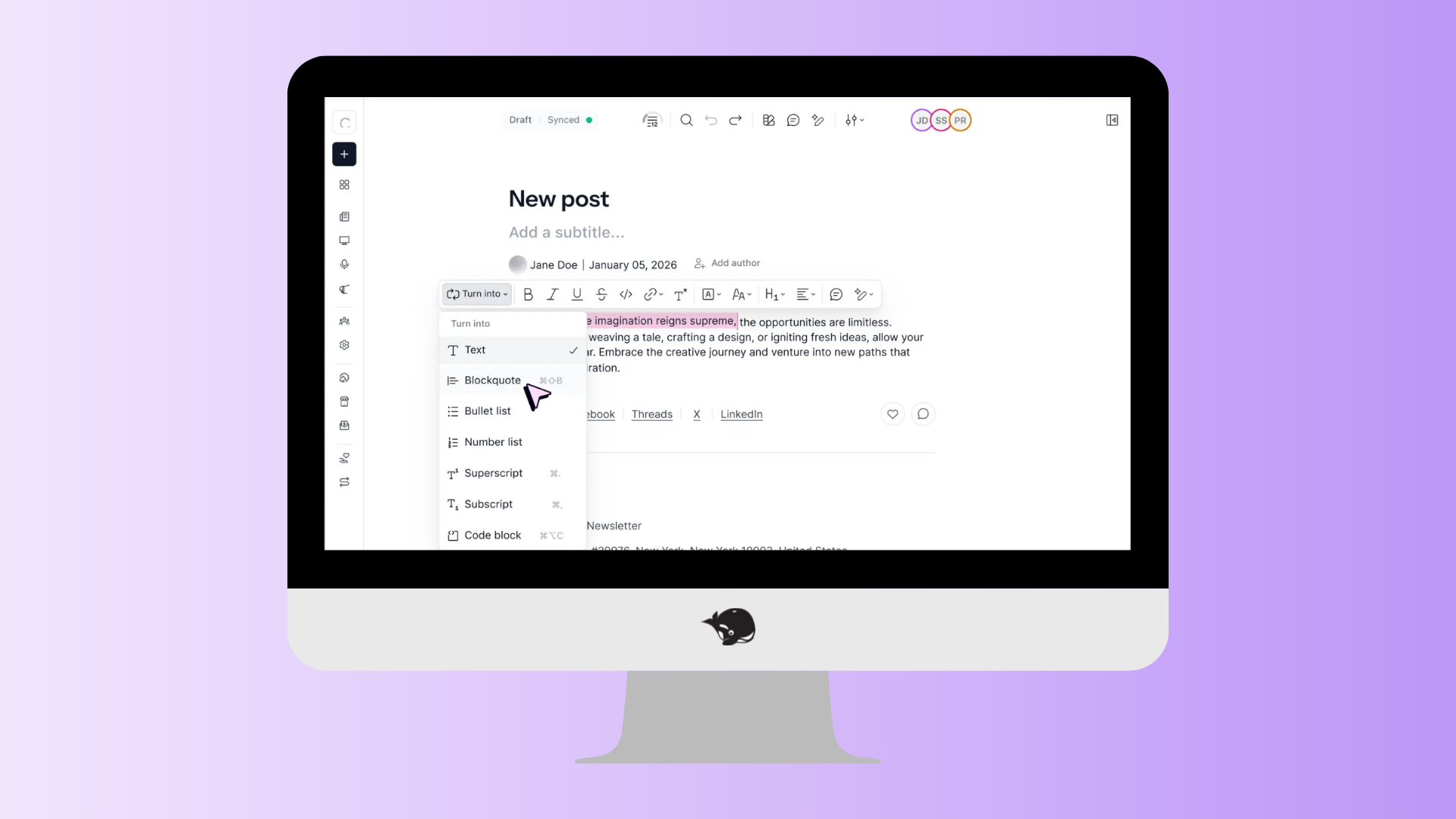
Cost: Free plan available; paid plans vary by features and subscriber needs.
Founded by former Morning Brew employees, beehiiv is a newsletter-focused platform designed to help creators and brands publish content and grow their readership.
It offers tools for newsletter publishing, websites, audience growth, subscriptions, and monetization. It's worth exploring if you want to build a newsletter into a larger publication or business.
Mailchimp
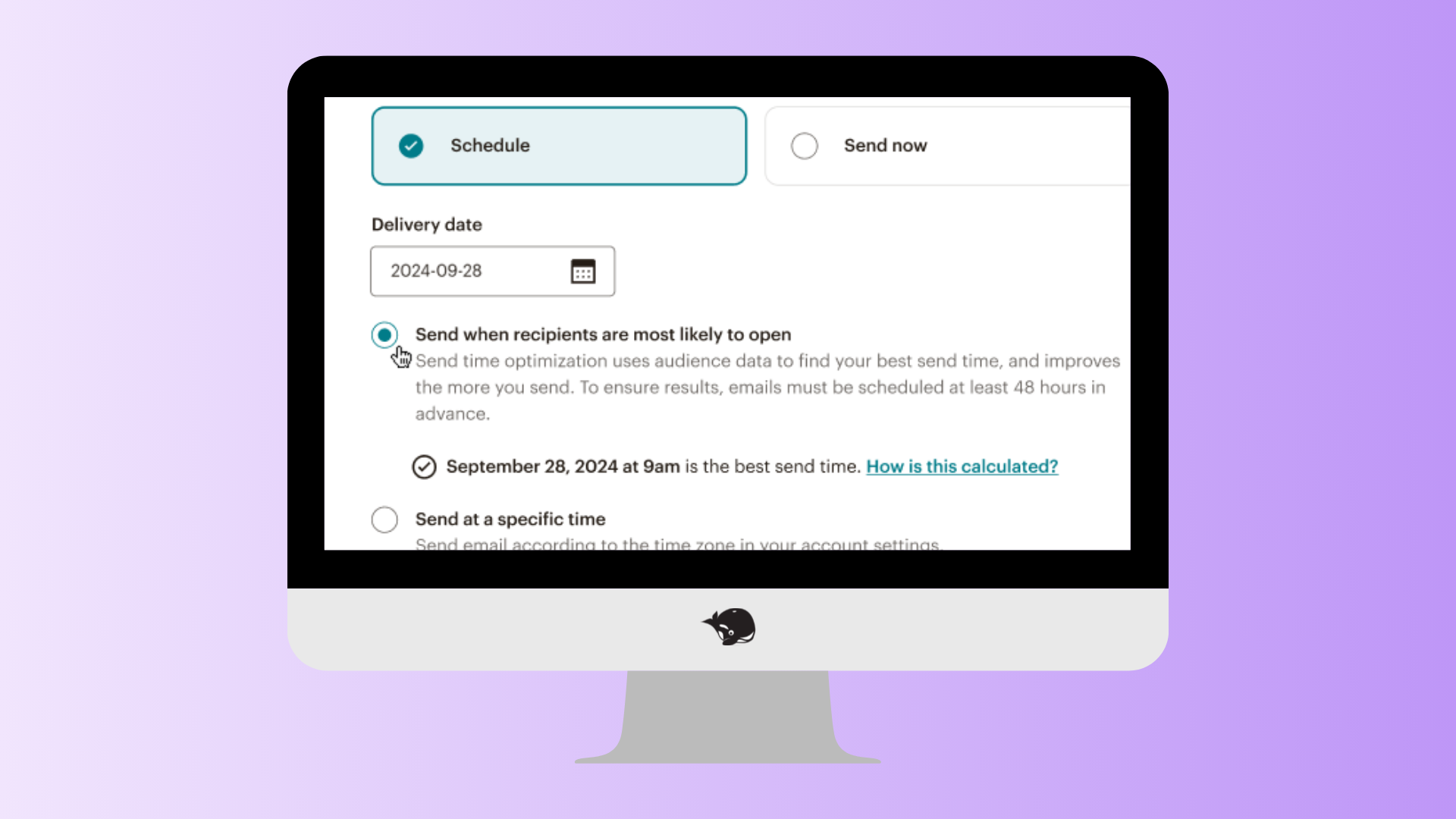
Cost: Free plan and paid plans available; pricing varies by plan and contact volume.
Mailchimp is an email marketing platform for businesses that want to create campaigns, manage contacts, and automate communications.
It also offers tools for landing pages, audience management, and broader marketing activities. If your newsletter is part of a larger marketing strategy, Mailchimp may be worth considering.
Psst! You can manage and approve Mailchimp emails right from HeyOrca.
Hubspot
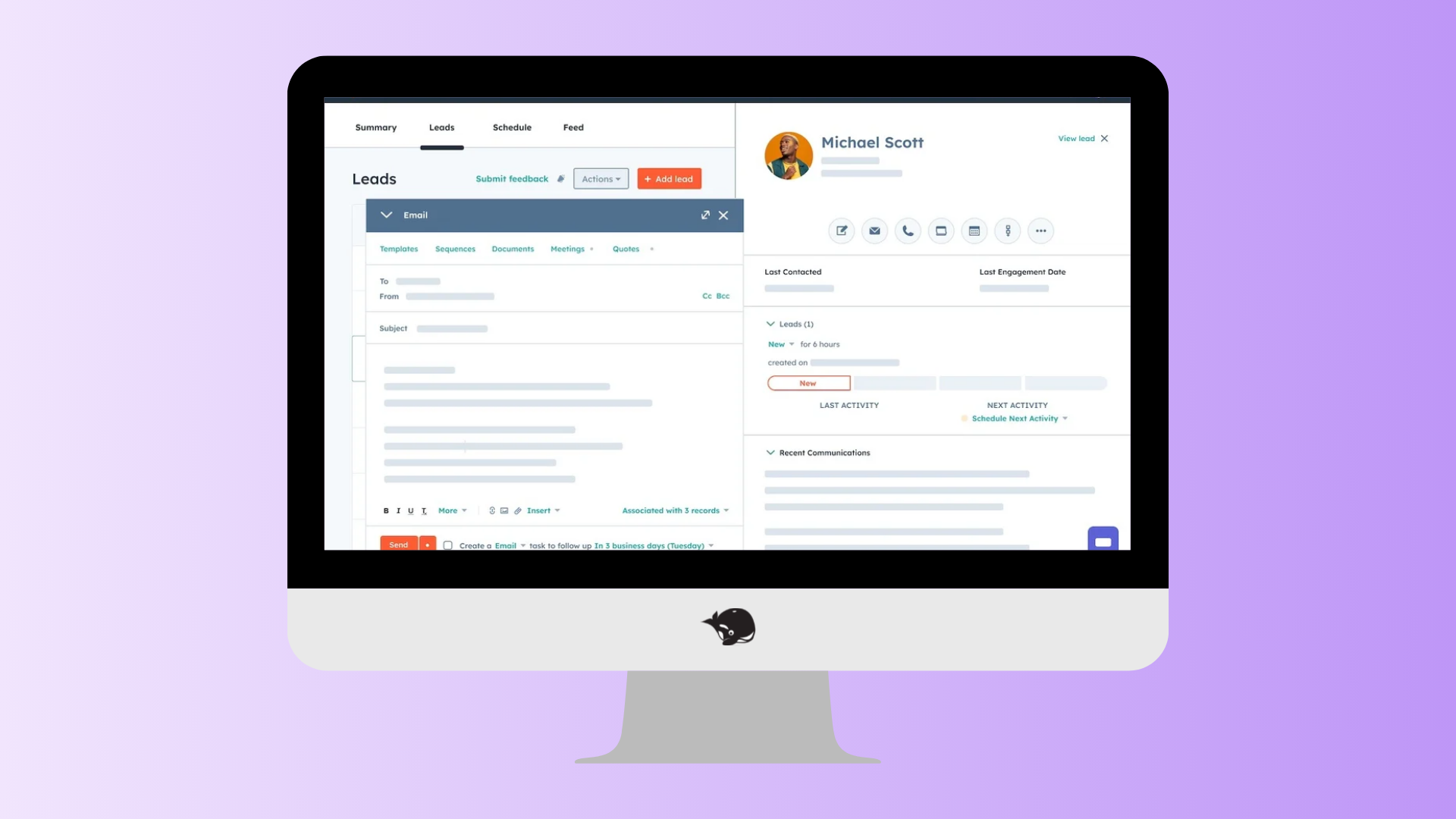
Cost: Free plan and paid plans available; pricing varies by plan, marketing contacts, and features.
HubSpot offers email marketing tools as part of its all-in-one marketing platform. It's a good option if you're looking to bring your email marketing and customer relationship management (CRM) tools together.
You can use it to create and personalize email campaigns, organize your contact lists, automate email workflows, and track campaign performance. It's worth considering if you want your email marketing to work alongside your CRM and other marketing activities, all in one place.
Psst! You can view your Hubspot emails directly in HeyOrca.
Substack
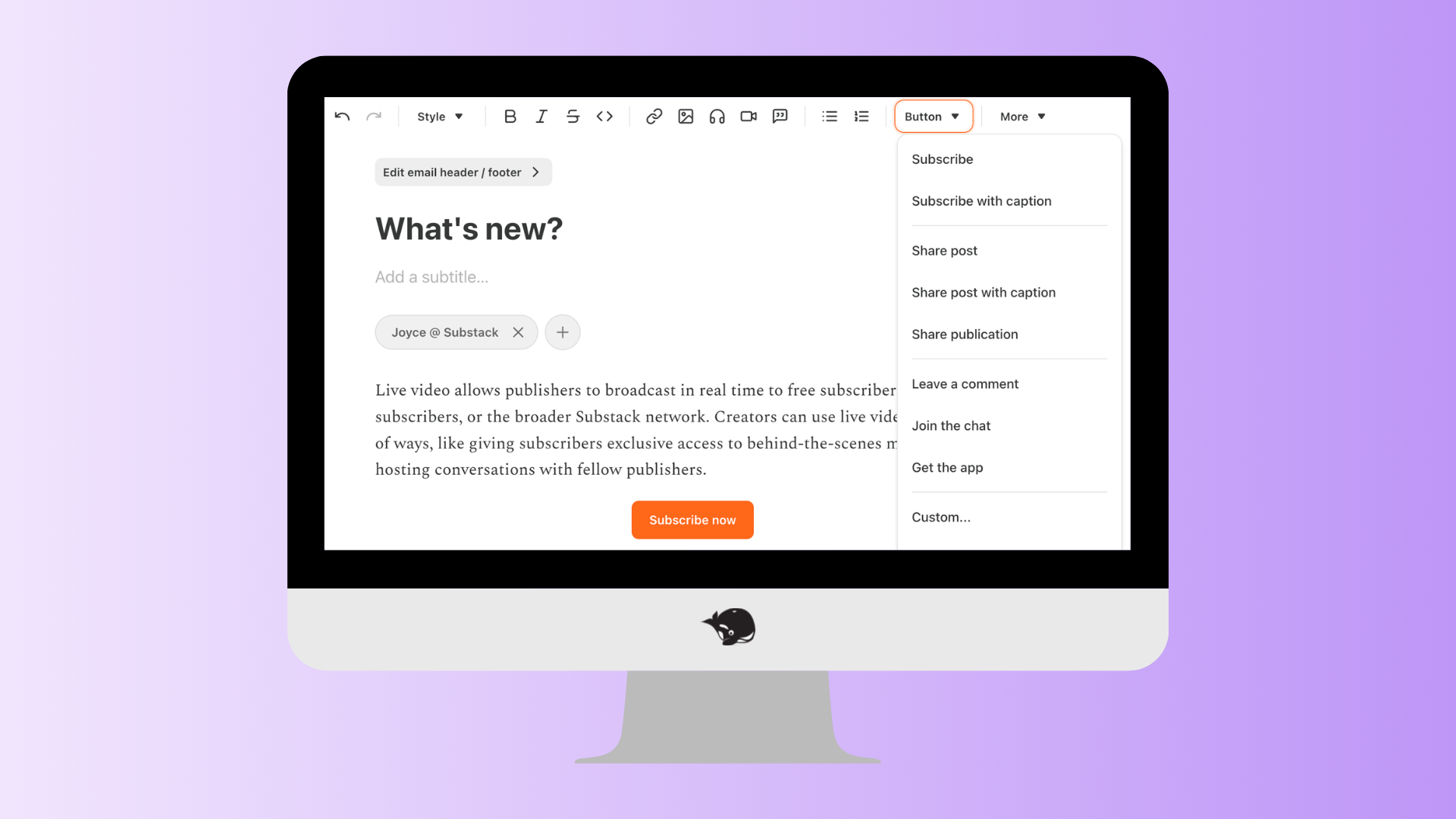
Cost: Free to publish; paid subscriptions are available, with fees applying to paid subscriptions.
Substack combines newsletter publishing with tools for sharing writing, podcasts, and other content with subscribers.
It's a popular option for independent writers, journalists, and creators who want to build a readership around their ideas. If you're interested in offering paid subscriptions down the road, it's one to explore.
MailerLite
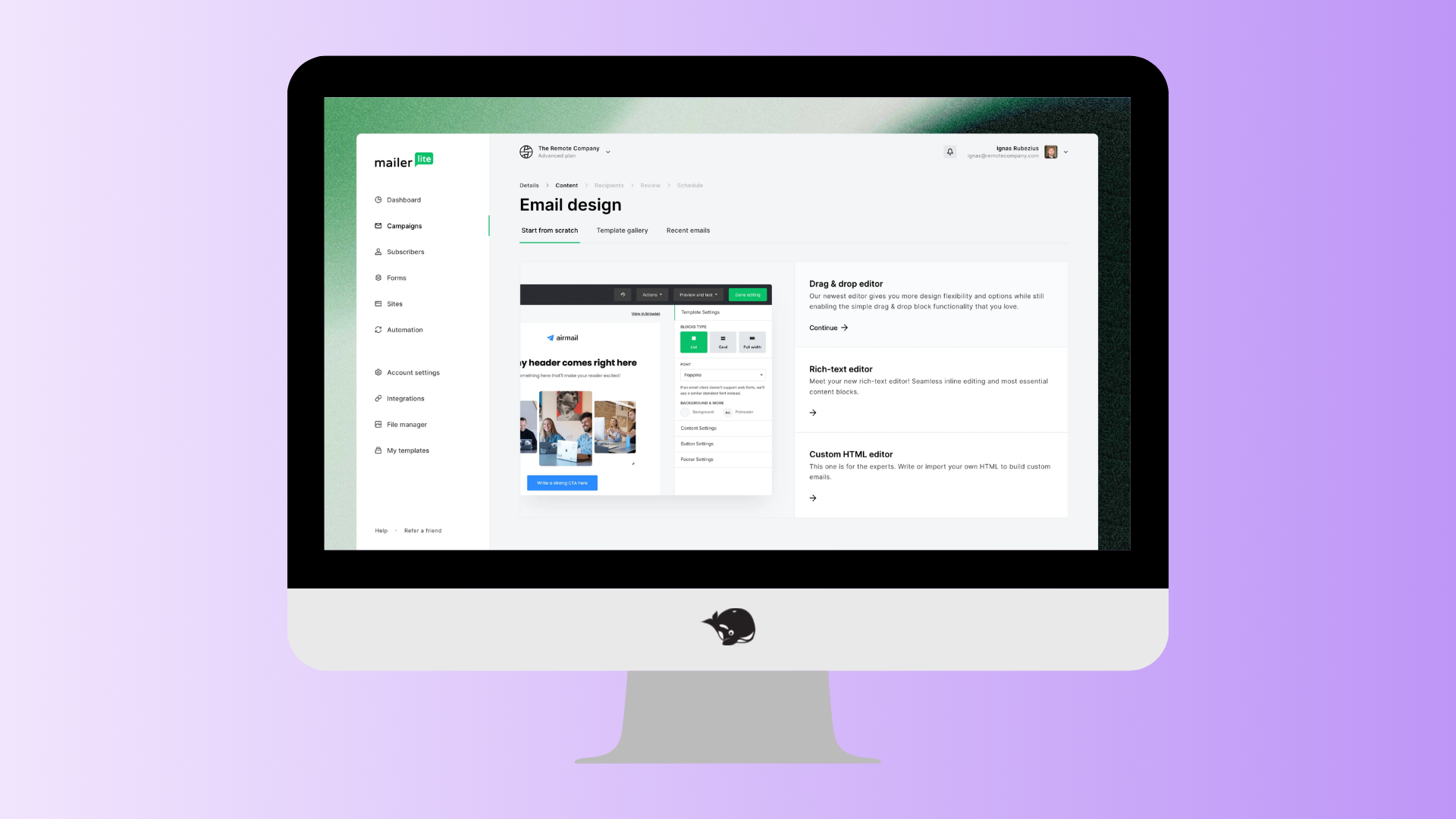
Cost: Free plan and paid plans available; pricing varies by subscriber count and features.
MailerLite offers email marketing tools for creators, small businesses, and e-commerce brands.
You can use it to create email campaigns, build sign-up forms and landing pages, and automate parts of your email marketing. It's worth considering if you want a straightforward way to manage your newsletter alongside other marketing activities.
How do you choose the right email platform?
Before you sign up, think about what you need your platform to do.
Consider your budget, how easy it is to create emails, what subscriber management tools are available, and whether you can access the analytics you need. It's also worth checking what happens as your subscriber list grows.
You don't need every feature under the sun when you're starting out. Choose a platform that fits your current needs and gives you room to grow.
One more thing: platform pricing and plan features can change, so check each provider's current pricing page before making your decision.
Psst! Looking for some newsletters to subscribe to for inspiration? We've rounded up 20+ newsletters every social media manager should subscribe to.
3. Create a sign-up page and form
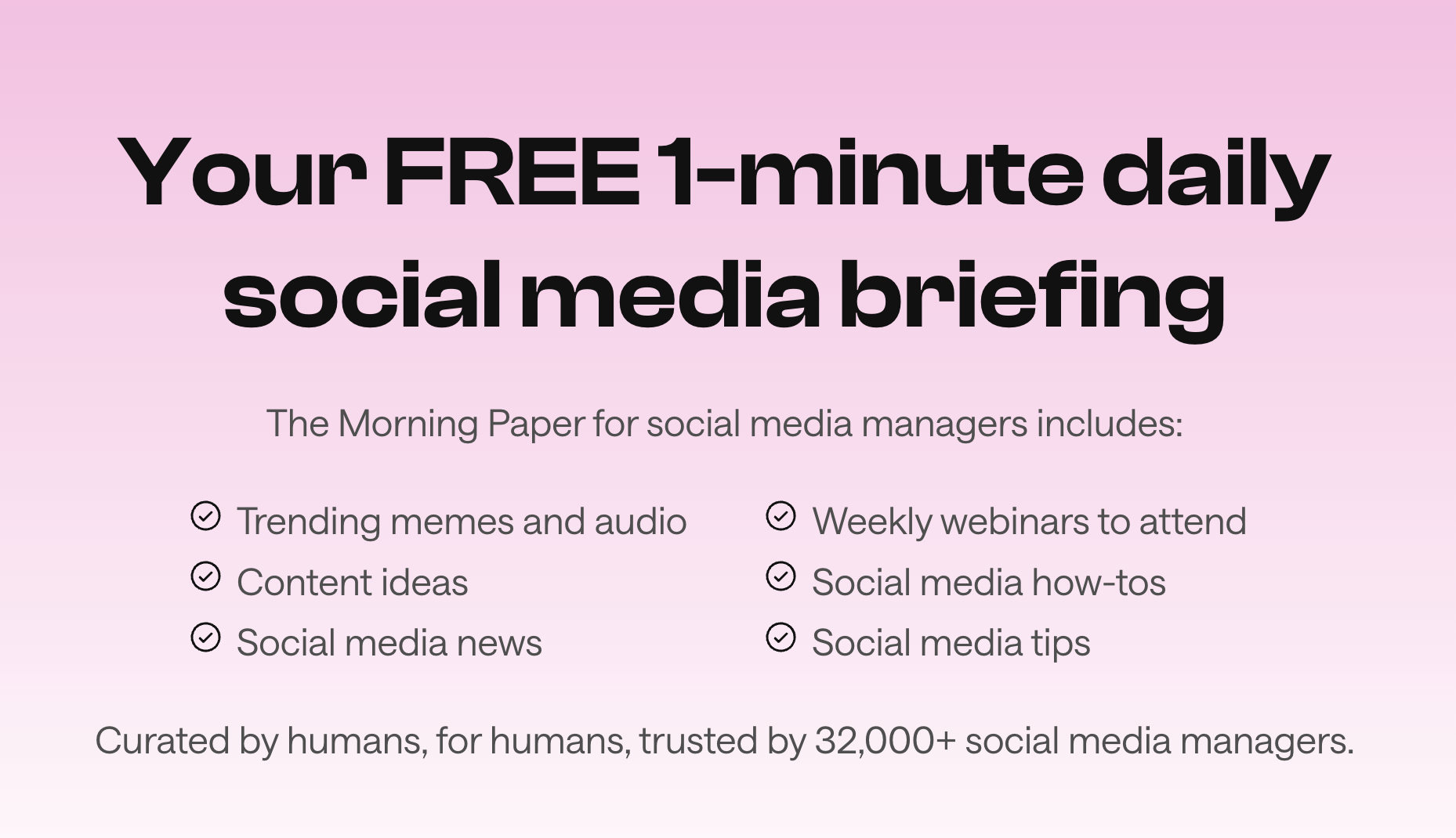
You've got your topic, goals, and platform. Now, let's give people a way to subscribe!
Depending on the platform you choose, you may be able to create a sign-up page directly within the tool. Otherwise, you can host a page on your website and embed a form from your newsletter platform.
Either way, make it easy for people to understand what they're signing up for and why it's worth their time.
Tell people what they'll get out of it
Your sign-up page doesn't need to be fancy. It just needs to answer a few questions:
- What is your newsletter about? Give people a clear idea of the topics you'll cover.
- Who is it for? Help potential subscribers understand whether the content is relevant to them.
- Why should they subscribe? Explain the value they'll get, whether that's practical tips, industry news, curated resources, or a fresh perspective.
- How often will you send it? Set expectations so people know what they're signing up for.
For example, instead of saying, “Subscribe to our newsletter,” try something more specific like: “Get the latest social media news, practical marketing tips, and content inspiration delivered straight to your inbox.”
See the difference? You're giving people a reason to subscribe and helping them understand what they'll get in return.
Keep your sign-up form simple
Once someone decides they want to subscribe, don't make them jump through hoops.
For most newsletters, an email address is enough to get started. You can ask for a name if you'll use it to personalize your emails, but think carefully before adding extra fields.
The easier you make the sign-up process, the fewer hurdles people have to clear before joining your list.
Also, make sure your form explains what people are signing up for, and use an appropriate consent process. Follow the email marketing and privacy requirements that apply to your business and subscribers, and always give people a clear way to unsubscribe.
Help people discover your newsletter
Creating a sign-up page is only half the job. People need to find it, too!
Share your sign-up link where your ideal readers already spend time. You could add it to your website, include it in your social media bio, share it in relevant posts, or link to it from blog articles that relate to your newsletter's topic.
You can also mention your newsletter in conversations with customers, colleagues, and community members who might find it useful.
And remember, focus on attracting the right subscribers, not just growing your list as quickly as possible. A smaller group of people who genuinely want to hear from you is a great place to start building a community.
4. Write your first issue
It's time for the fun part: writing your first newsletter!
If you're feeling a little intimidated, don't worry. Your first issue doesn't need to be a masterpiece. It just needs to introduce your newsletter, give readers a taste of what to expect, and offer something useful.
You can even turn it into a welcome email for future subscribers, so anyone who joins later can learn what your newsletter is all about.
Give readers a reason to keep opening
A simple structure can make your first issue much easier to write.
Here are a few elements to consider:
- Start with a clear subject line. Give readers an idea of what's inside, or spark their curiosity without making promises you can't deliver on.
- Introduce yourself and your newsletter. Explain why you started it and what readers can expect from future issues. You don't need a long backstory – just enough context to help people get to know you.
- Share something useful. Include a tip, insight, resource, story, or idea that makes the email worth opening. Give readers a taste of the value you want your newsletter to deliver.
- Invite readers to participate. Ask a question, encourage them to reply, or invite them to share their own experiences. A newsletter doesn't have to be a one-way conversation.
- Give them a next step. If there's a relevant resource, article, event, or product you'd like readers to explore, include a clear call to action. Just make sure it fits naturally with the rest of the email.
Make it feel like you
One of the best things about newsletters is that they can feel personal. You can share your perspective, explain why something matters to you, or bring readers into a conversation about a topic they care about.
That doesn't mean you need to share personal details or make every issue about yourself. It just means writing in a voice that feels natural and gives readers a sense of who's behind the email.
Before you hit send, read your draft out loud. Does it sound like you? Is the main point easy to follow? Is there anything you can cut to make the email more useful?
And don't stress about getting every detail perfect before you launch. You'll learn a lot by actually sending your newsletter and hearing from the people who read it.
“I love it when I ask a question in the newsletter, and I’m actually getting replies back. It’s a lot of fun reading people’s thoughts on different topics. It was a moment that I thought to myself, ‘Wow, people are actually reading this,’” – Alyssa Pulford, Community Strategist at HeyOrca
5. Don't be afraid to change things up as you go
Your newsletter doesn't have to look the same six months from now as it does today. As you learn more about your readers, your interests might shift, your goals might change, or you might discover a topic that deserves more attention.
That's not a sign that you've done something wrong. It's part of building something that grows alongside your community.
“Even though you may feel like the community isn’t growing, you must continue being consistent and patient. Community takes time to build! Don’t hesitate to experiment either. You won’t know what sticks until you try it.” – Alyssa Pulford, Community Strategist at HeyOrca
Pay attention to what your readers tell you
Once you've started sending issues, look at how people respond.
Which topics get the most replies? What questions do subscribers ask? Which links do people click? What feedback do readers share when you invite them to respond?
Analytics can help you spot patterns, but don't rely on numbers alone. A newsletter with a smaller readership can still create meaningful conversations and build strong relationships.
You can also ask your subscribers directly what they'd like to see. Try a short survey or include a question at the end of an issue.
Use what you learn to decide what to keep, what to improve, and what to try next.
Take a page from the CLM newsletter
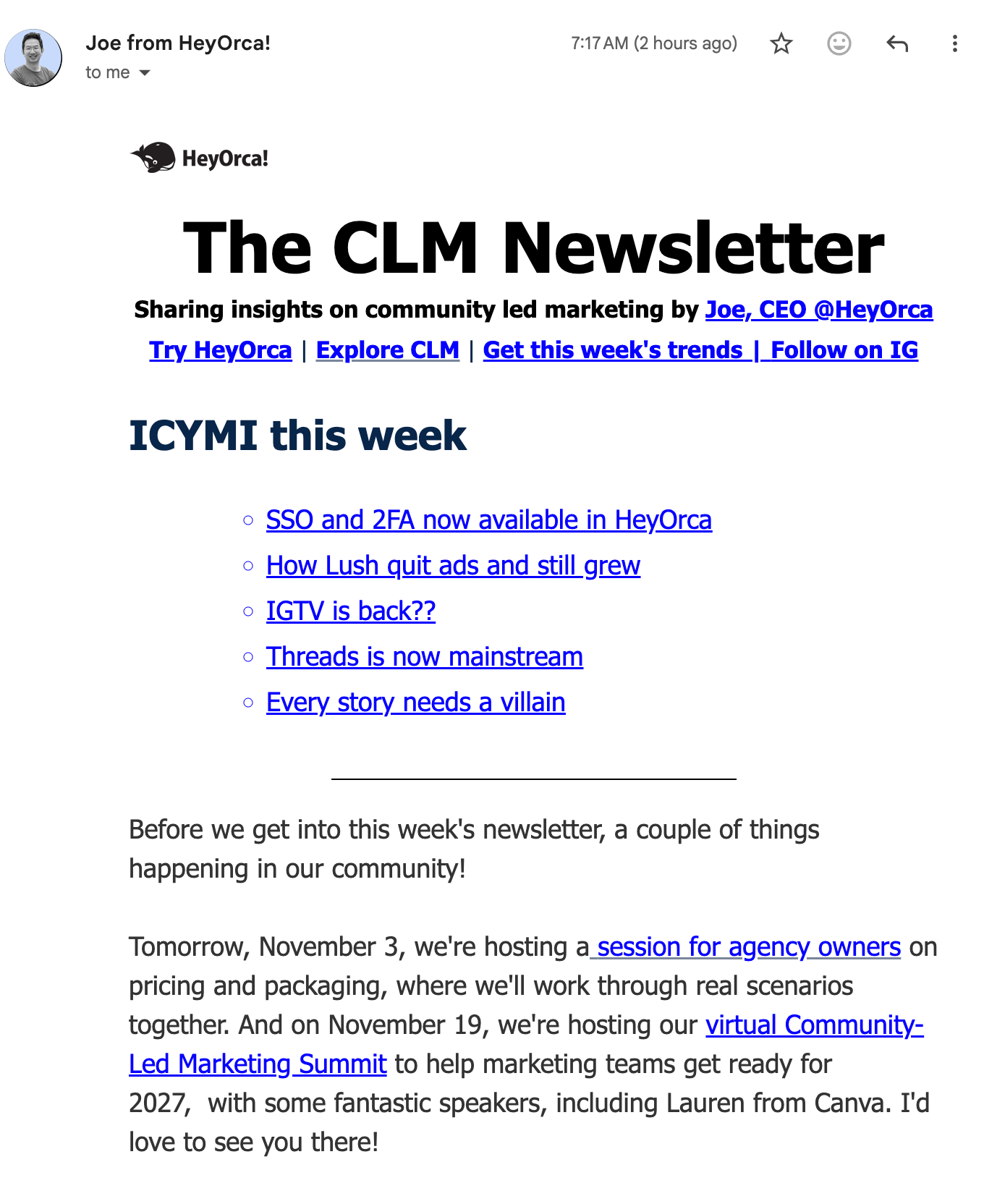
The Community-Led Marketing Newsletter is a great example of how a newsletter can evolve as its focus becomes clearer.
Originally launched as a monthly newsletter with a focus on CMOs. It has since changed to narrow the focus to community-led marketing (CLM).
Rather than sticking with the original direction just because that's how the newsletter started, Joe made changes to better reflect the topic he wanted to explore and share with readers. He also let his community know about the upcoming shift.
As you learn more about your readers and the topics you want to explore, you might discover that a more focused approach creates a stronger connection with the people you're trying to reach.
Orca tip: Small changes, like testing a new subject line or adding a recurring section, don't necessarily need a big announcement. But if you're making a significant change to your newsletter's focus, frequency, or purpose, give your subscribers a heads-up so they know what to expect.
Find a rhythm that works for you
If you're feeling burned out by sending a newsletter every day, experiment with a weekly or monthly cadence. If a particular format takes too much time to maintain, simplify it. If readers keep asking for a topic you haven't covered, consider giving it a regular spot.
Remember, you don't need to change things just for the sake of keeping them fresh. Make adjustments when they help you serve your community better or make the process more manageable for you.
Ready to start your newsletter?
Starting a newsletter doesn't require a huge audience or a perfectly polished plan. It takes a clear purpose, a topic your readers care about, a schedule you can maintain, and a willingness to learn as you go.
You don't have to build the perfect newsletter from day one. You just have to start the conversation.
Still paying per seat for your social media tool? With HeyOrca, you get unlimited users – so your whole team (and clients!!) can collaborate without the extra cost. Plan, approve, and schedule your next post now.
Every member of your team deserves a seat at the table. That's why every HeyOrca plan comes with unlimited users. Choose the social media scheduler that helps you create, collaborate, and build community – without worrying about extra fees. Start your free trial.
Build stronger social media communities. HeyOrca brings your whole team together – with unlimited users!! – to plan, approve, and schedule content in one place. See it come together in minutes.
Looking for a social media tool built for teams and agencies? Plan, approve, and schedule your next post in minutes with HeyOrca – no credit card required.

Close all those tabs
Use HeyOrca to manage your social media content, approvals, and community in one place.
*no card required