The social media management tool built for agencies and loved by clients
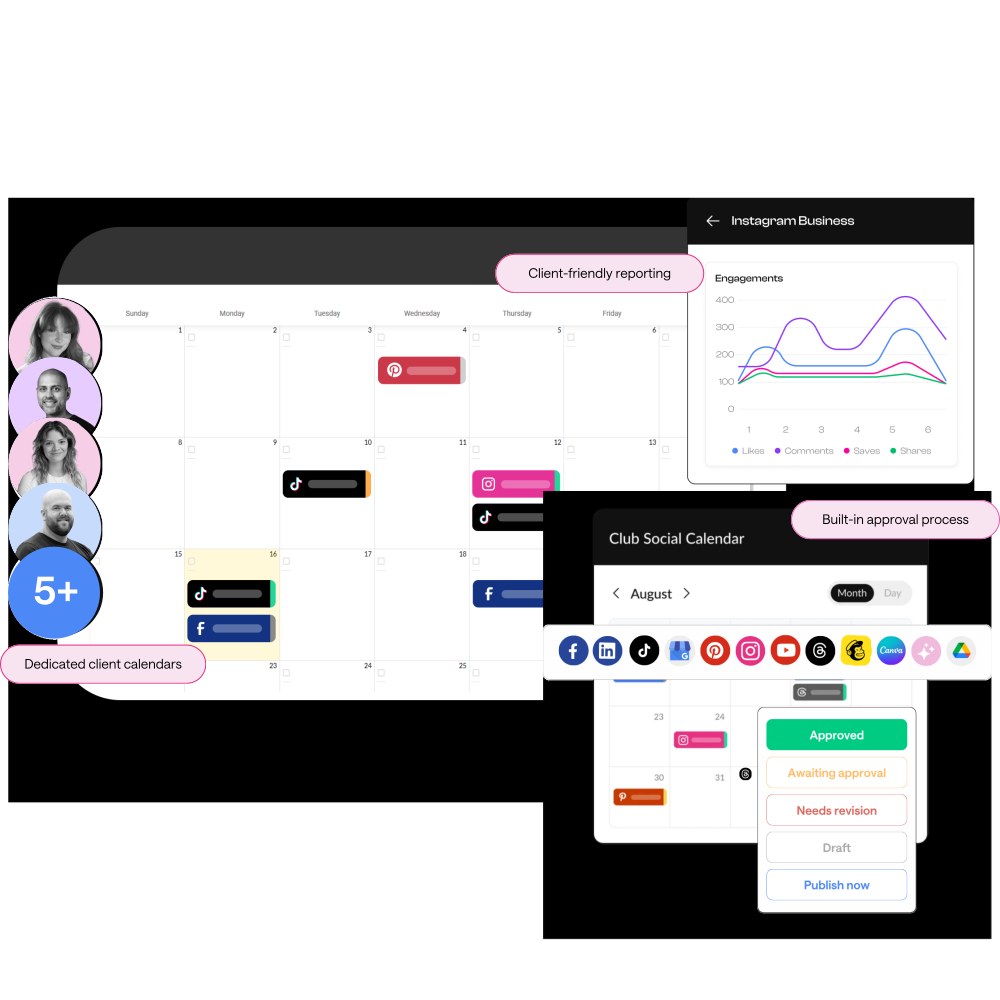
Collaborate with your entire team, invite every client into the approval process, and scale your agency without paying for extra seats every time you hire.



Have more than 5 clients?
Get a HeyOrca plan tailored to your needs. You’ll enjoy our top-rated tools (like unlimited users and built-in approvals) plus personalized onboarding, priority customer support, and more.
Manage all your clients with one social media tool
HeyOrca brings your calendars, approvals, publishing, and reporting together in one easy-to-use platform, so your team spends less time chasing updates and more time with your community.
Simplify your client-approval process
No more spreadsheets or endless email threads.
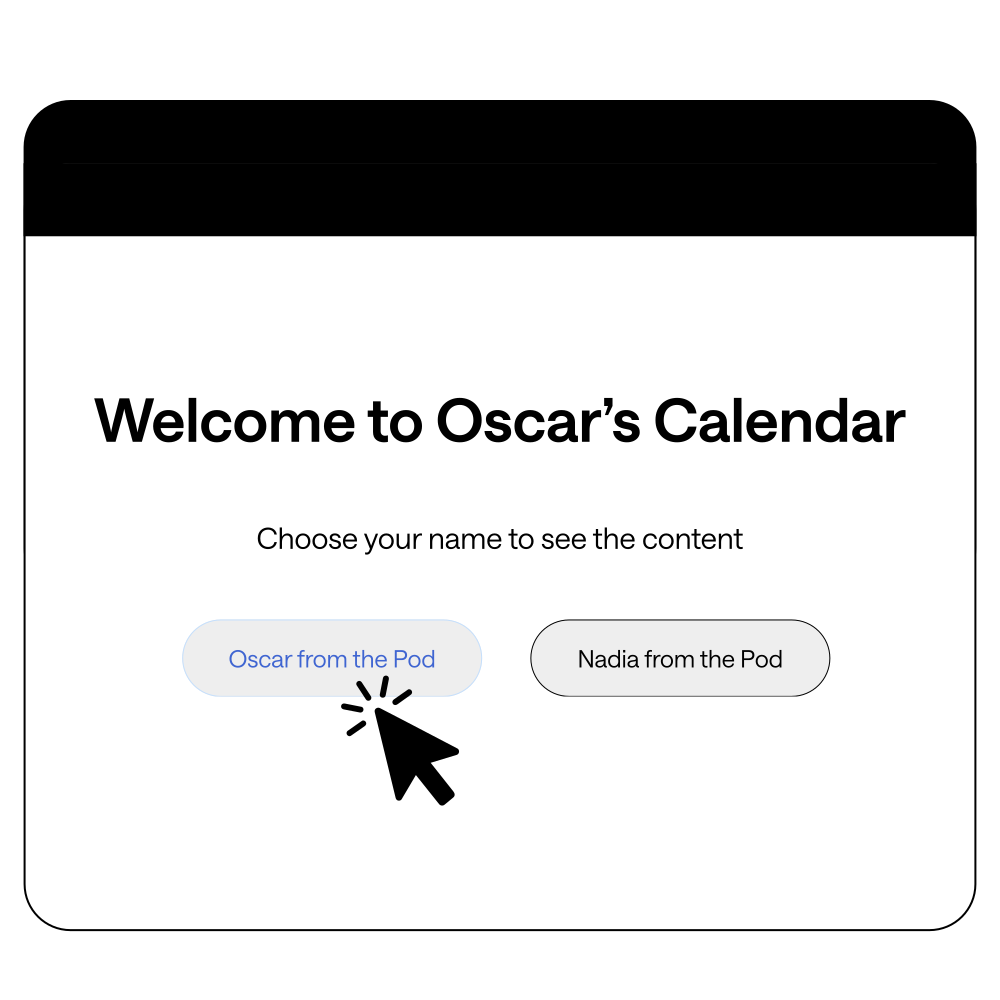
Send each client a shareable link so they can easily approve posts and leave feedback (even if they’re not tech-savvy).
Automate your reporting process
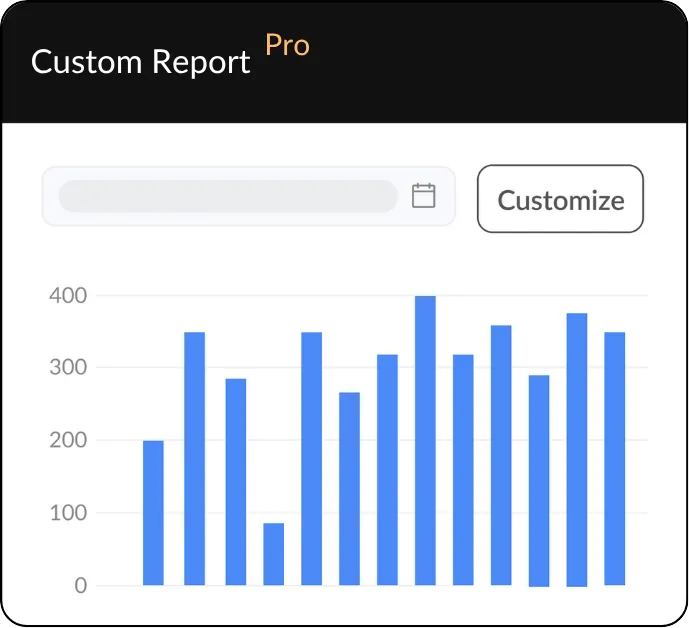
Create custom, shareable reports with your agency's branding.
Track post performance, compare cross-channel results, uncover competitor insights, and send clients a polished report with a simple shareable link.
Dedicated client workspaces
For easier collaboration and happier clients.
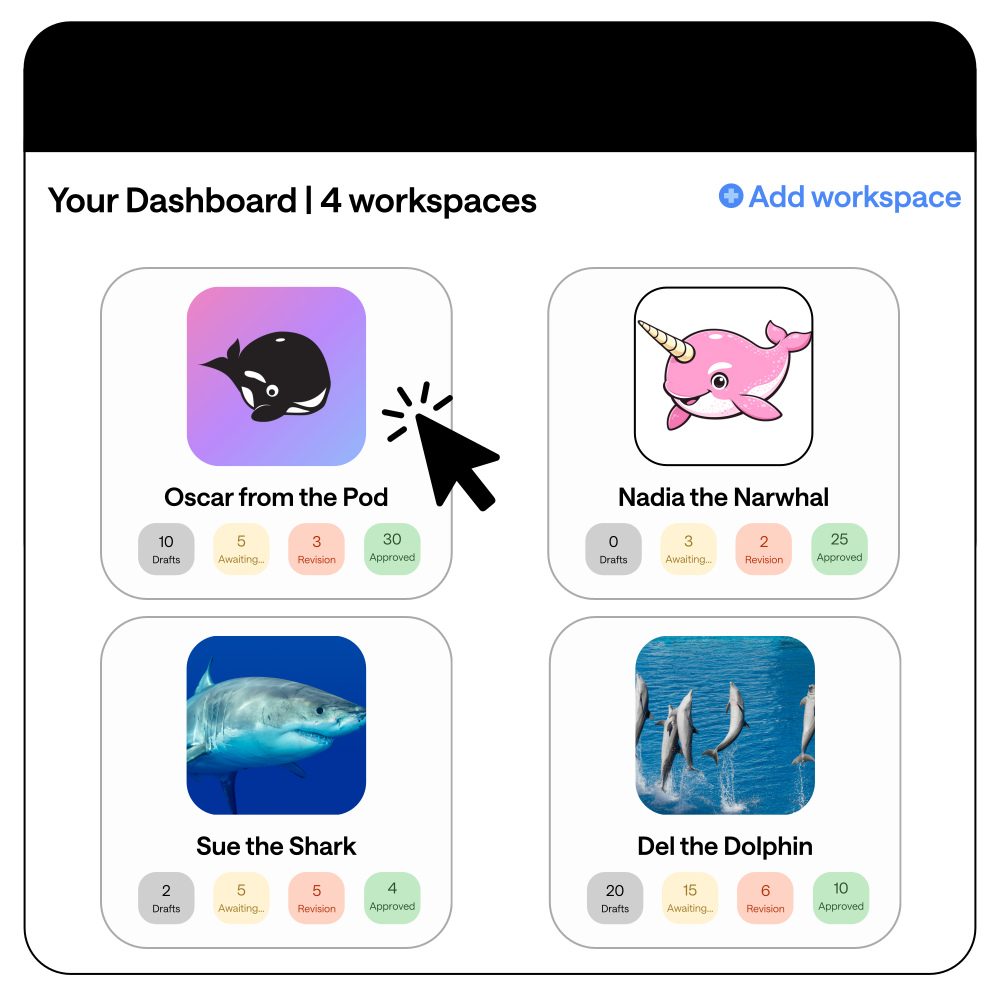
Each client will have their own dedicated workspace, so you can keep your clients separate and give each brand the attention it deserves.
Build engaged communities
Respond to comments, DMs, and mentions right from HeyOrca.
Each client gets a separate community inbox, so you don’t have to worry about replying from the wrong account.

.png)
Wow clients with well-planned content
Grow multiple accounts without juggling multiple tabs. Bring your content strategies to life more efficiently by creating and scheduling posts all from one place.
Use AI for your workflows
Tap into the power of AI to speed up content creation (and beat writer's block).
HeyOrca will generate relevant suggestions for captions, replies, and accessible alt text.
.webp)
See why these marketing
agency leaders love HeyOrca

Client onboarding, approvals, and accountability became much easier with HeyOrca’s unlimited users.
Ready Bowda's
case study →

Planning, approvals, and publishing tasks that once took 5–10 minutes take about 30 seconds with HeyOrca's all-in-one platform.
Ready Jellybean's
case study →

A built-in approval system keeps Oyster Creative Co.’s social content moving smoothly between teams and clients.
Ready Oyster's
case study →
Switch from Hootsuite or Sprout Social to HeyOrca and get up to 6 month free*
No need to wait for your Sprout Social or Hootsuite contract to end. We'll cover up to 6 months of HeyOrca, so your team can get started right away.
Agency resources






.png)





Frequently asked questions
Can I manually change a comment or mention’s sentiment label in HeyOrca?
Yes, you can click on the label of any comment in the Brand Monitoring Report and select the correct label from the drop-down menu.
What HeyOrca plan is social listening available on?
HeyOrca’s social listening tools are included in your Pro plan. Not on HeyOrca Pro? Add social listening to your Basic plan as an add-on.
How do I share my HeyOrca reports with clients and team members?
To share a HeyOrca social media report with your clients or team members, you can download the report or use HeyOrca's Automated Reports tool to email the report to your stakeholders on the schedule of your choice.
Does the Brand Monitoring report show real-time data?
Yes, HeyOrca’s Brand Monitoring reports show real-time data.
Can the sentiment tool handle sarcasm, emojis, or slang in comments?
Yes, HeyOrca's sentiment analysis tool can detect sarcasm, emojis, and slang with accuracy; however, if the sentiment is mislabeled, you can adjust the label as you see fit.
Can HeyOrca's sentiment analysis tools help me identify potential social media crises early?
Yes, Trending Keywords can help you spot potential crises by showing terms trending within your community and whether they are positive, negative, or neutral.